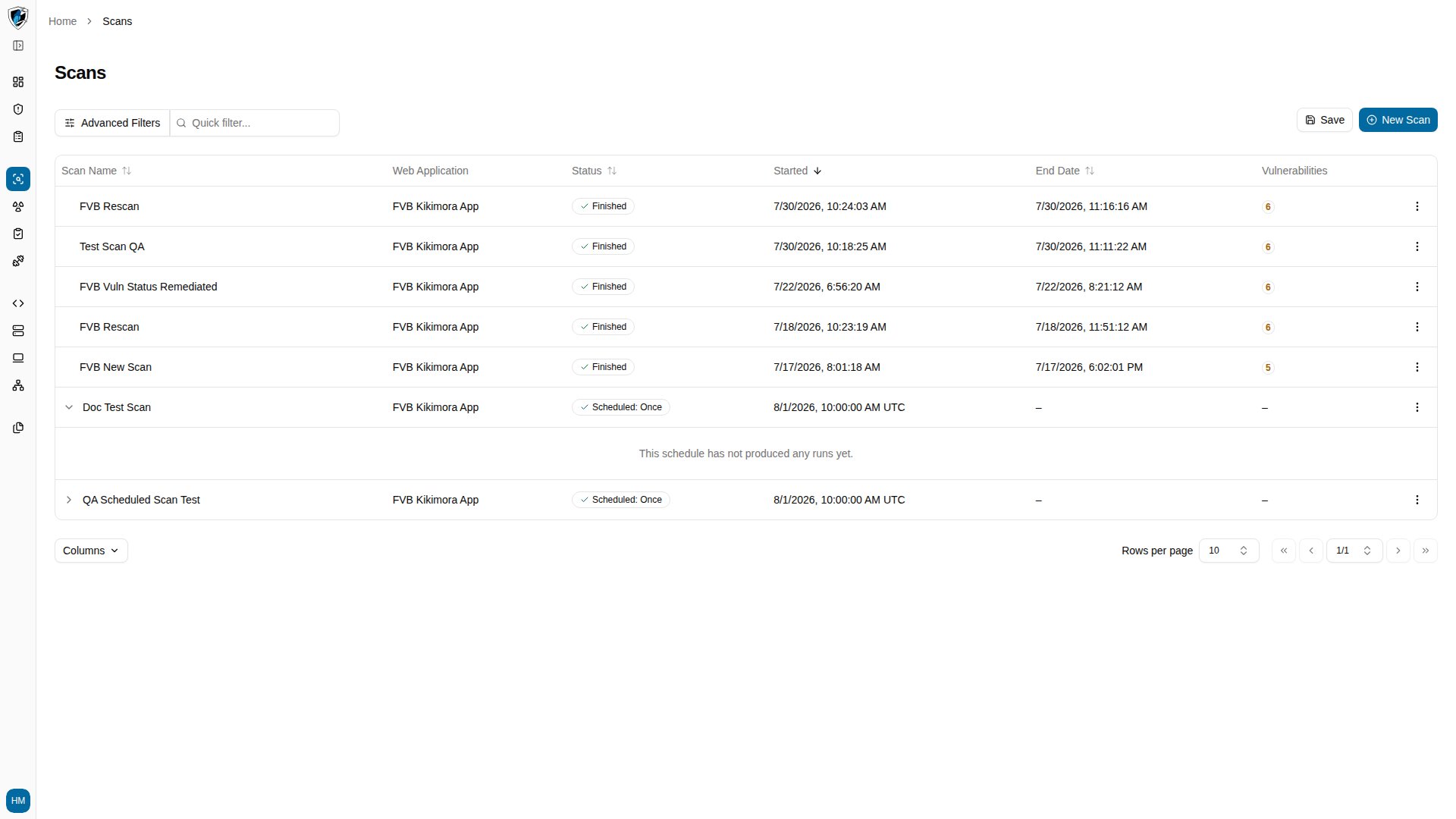
What an individual run represents
A run is a single execution of the scan against the target web application at one moment in time. Where the parent definition holds the recurring parameters, the run holds the snapshot: the vulnerabilities present during that execution, how long it took, and its log results.Inner table columns
Open a scan’s run history
-
Find the scheduled scan in the Scans table. Scheduled scan rows carry an expand arrow (
>) next to the scan name.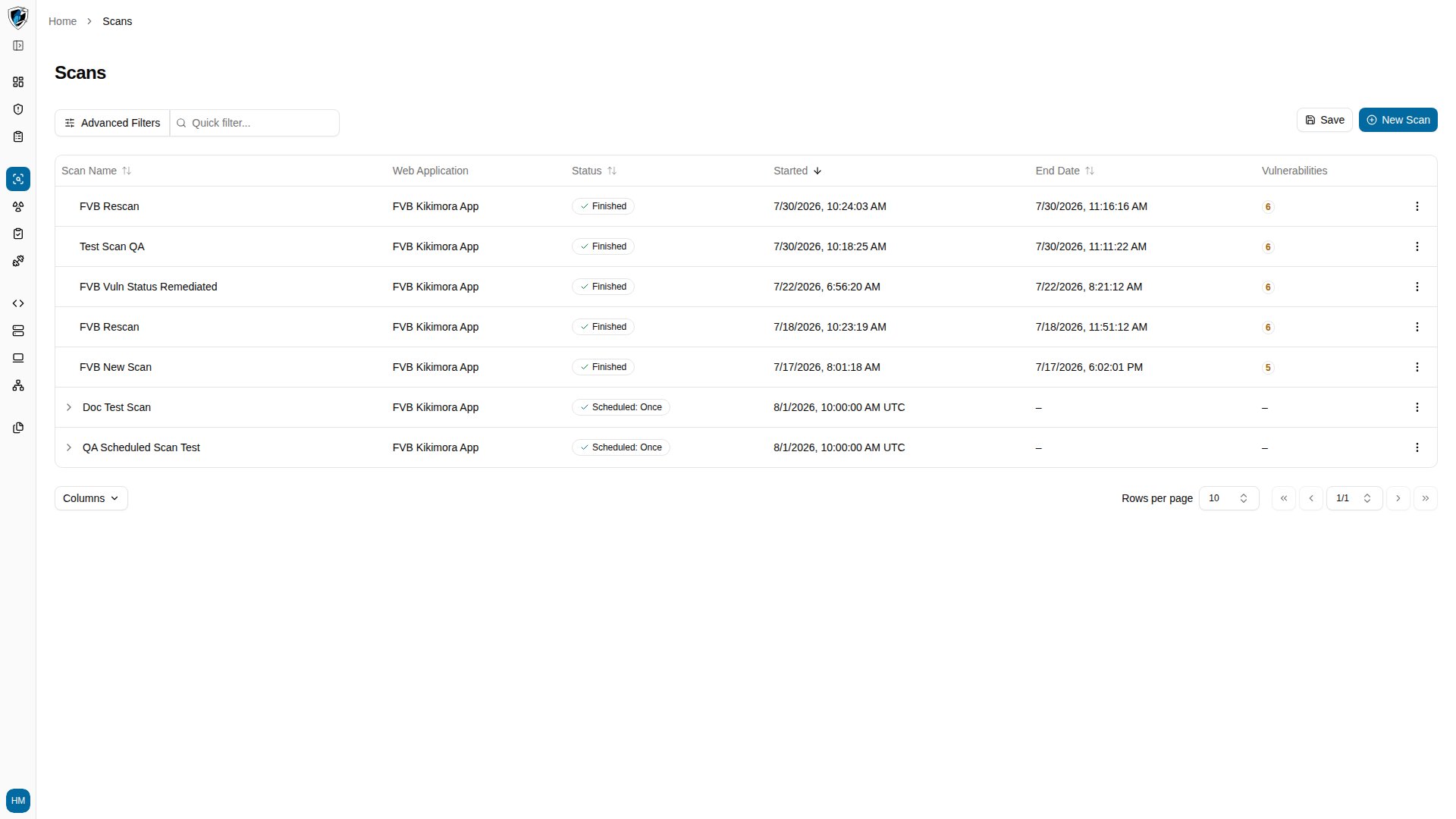
-
Click the expand arrow (
>) to open the inner runs table.