

What you can change
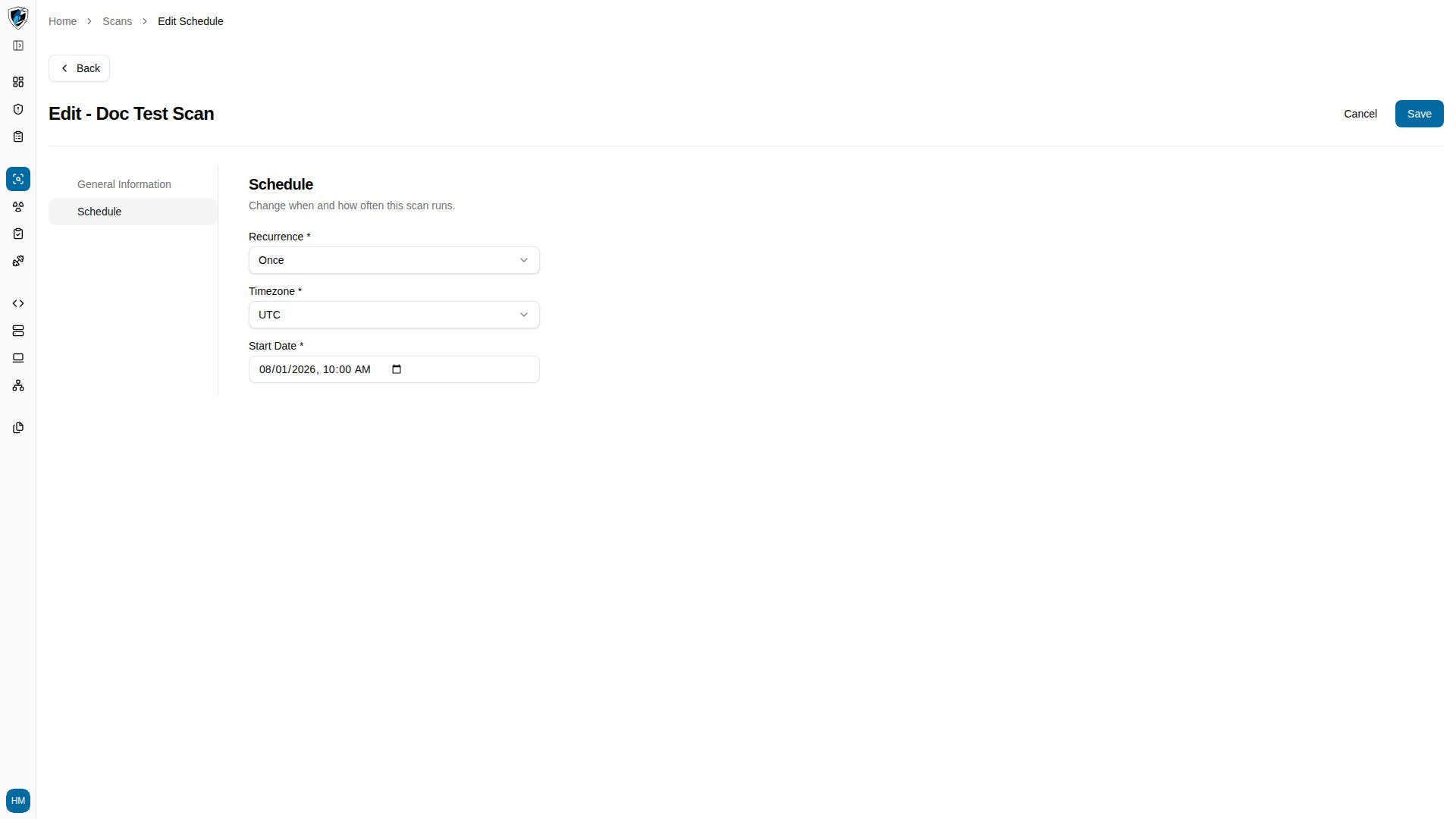
The wizard pre-fills Scan Name, Scan Type, Web Application, Auth Record, and the schedule options from the existing record.- Editable — Scan Name, Scan Type, Auth Record, Recurrence, and Start Date.
- Locked — Web Application is disabled in edit mode. To scan a different application, create a new scan instead.
Edit a scan
-
Click the action menu (
...) on the scheduled scan row and select Edit to open the wizard with its general settings pre-filled.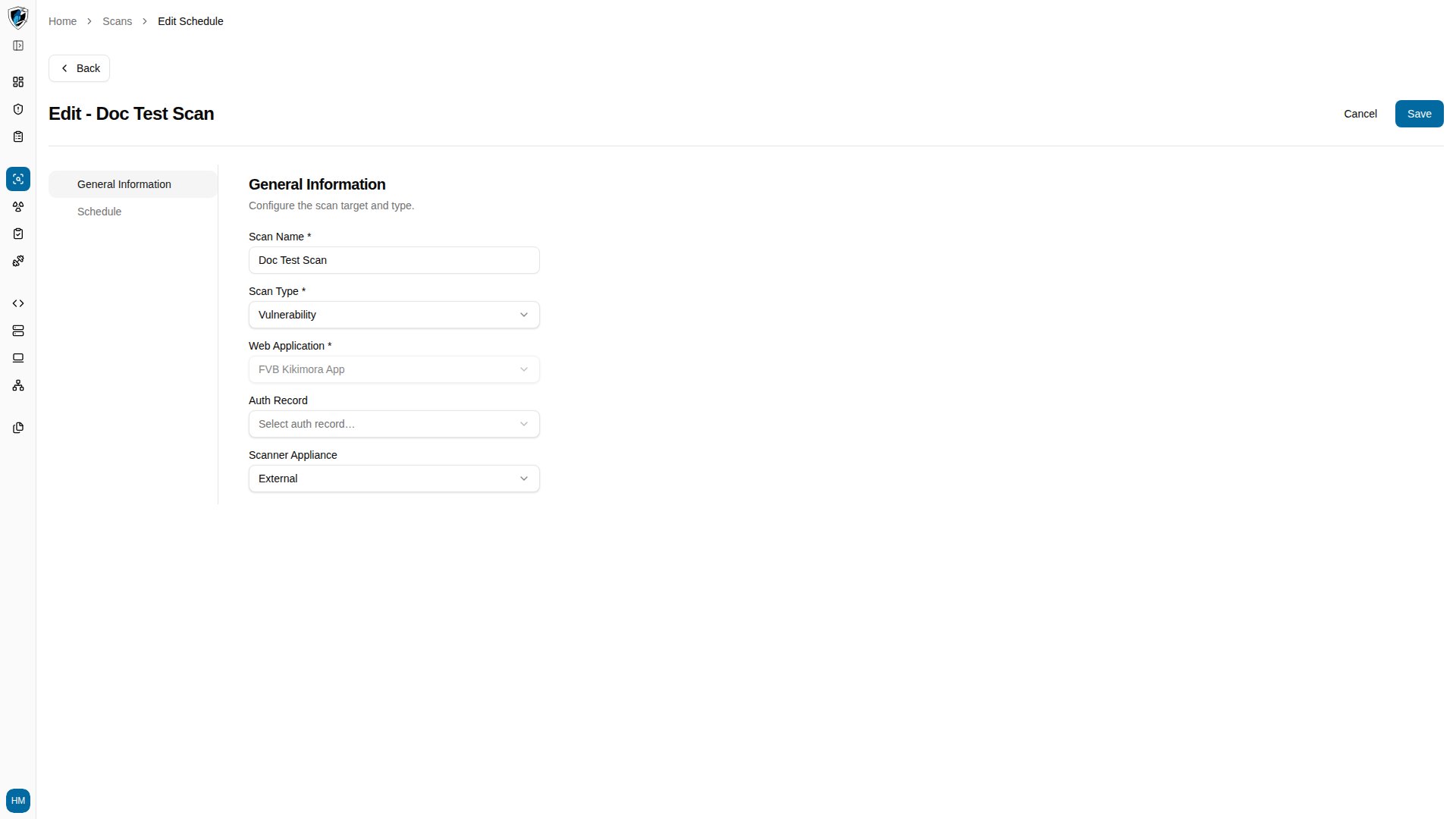
-
Open the Schedule step and adjust the recurrence or start date.
- Click Save.