Open the preview
- Go to the Vulnerabilities page.
-
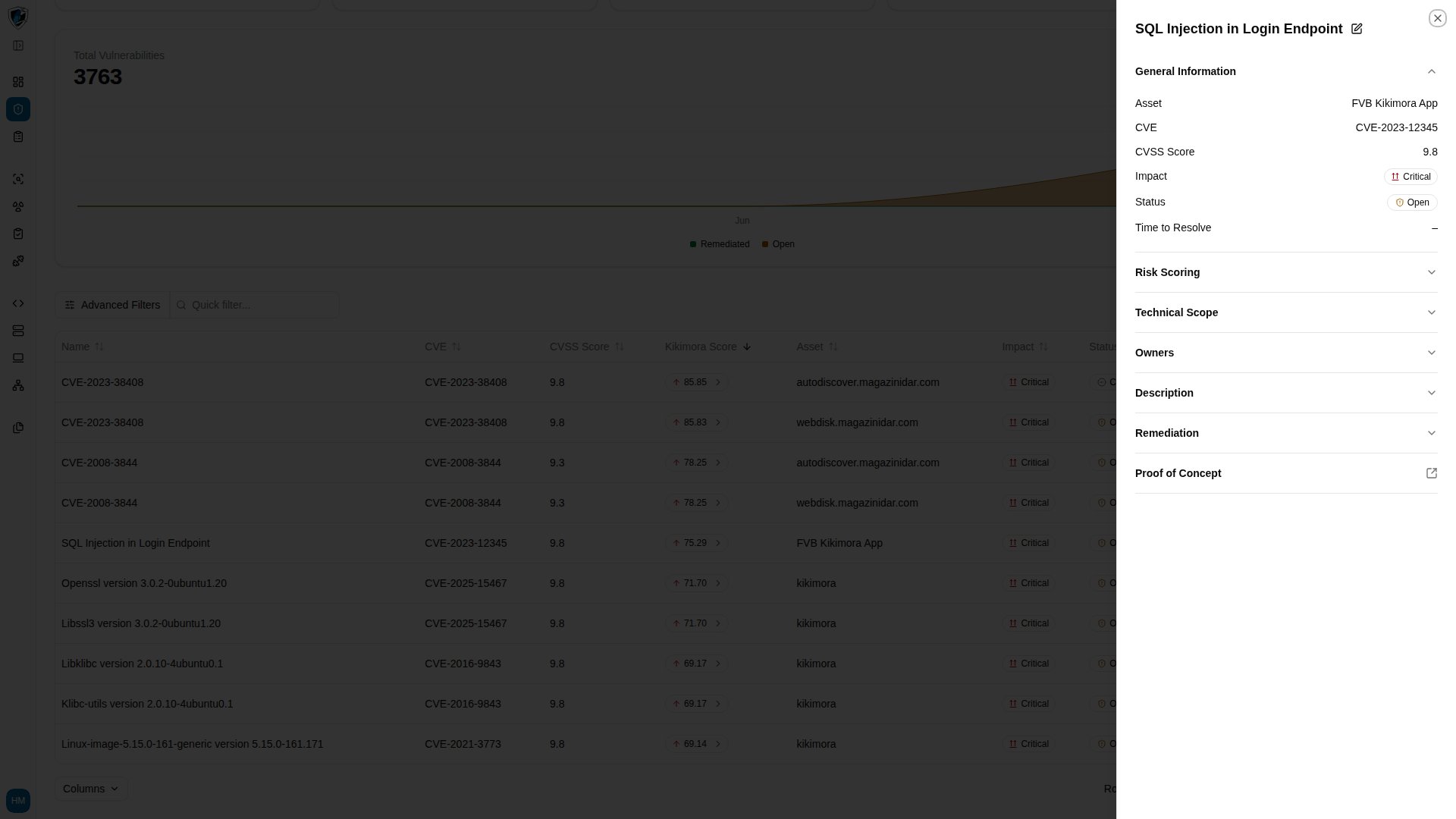
Click the Name or row of any finding, such as SQL Injection in Login Endpoint. The sidepanel slides in from the right.
What the sidepanel contains
The drawer organizes the finding into accordion sections:- Header and quick actions — the title, an Edit button (pencil icon), and Close.
- General Information — Asset (FVB Kikimora App), CVE (CVE-2023-12345), CVSS Score (9.8), Impact (Critical), Status (Open), and Time to Resolve, which shows – when not yet calculated.
- Risk Scoring — the breakdown of business impact, asset criticality, and Kikimora risk factors.
- Technical Scope — system endpoints, network parameters, and architectural scope.
- Owners — the assigned security engineers or system owners.
- Description — contextual description of the flaw.
- Remediation — recommended patches, mitigating controls, or code fixes.
- Proof of Concept — technical proof, HTTP payloads, and exploitation steps.
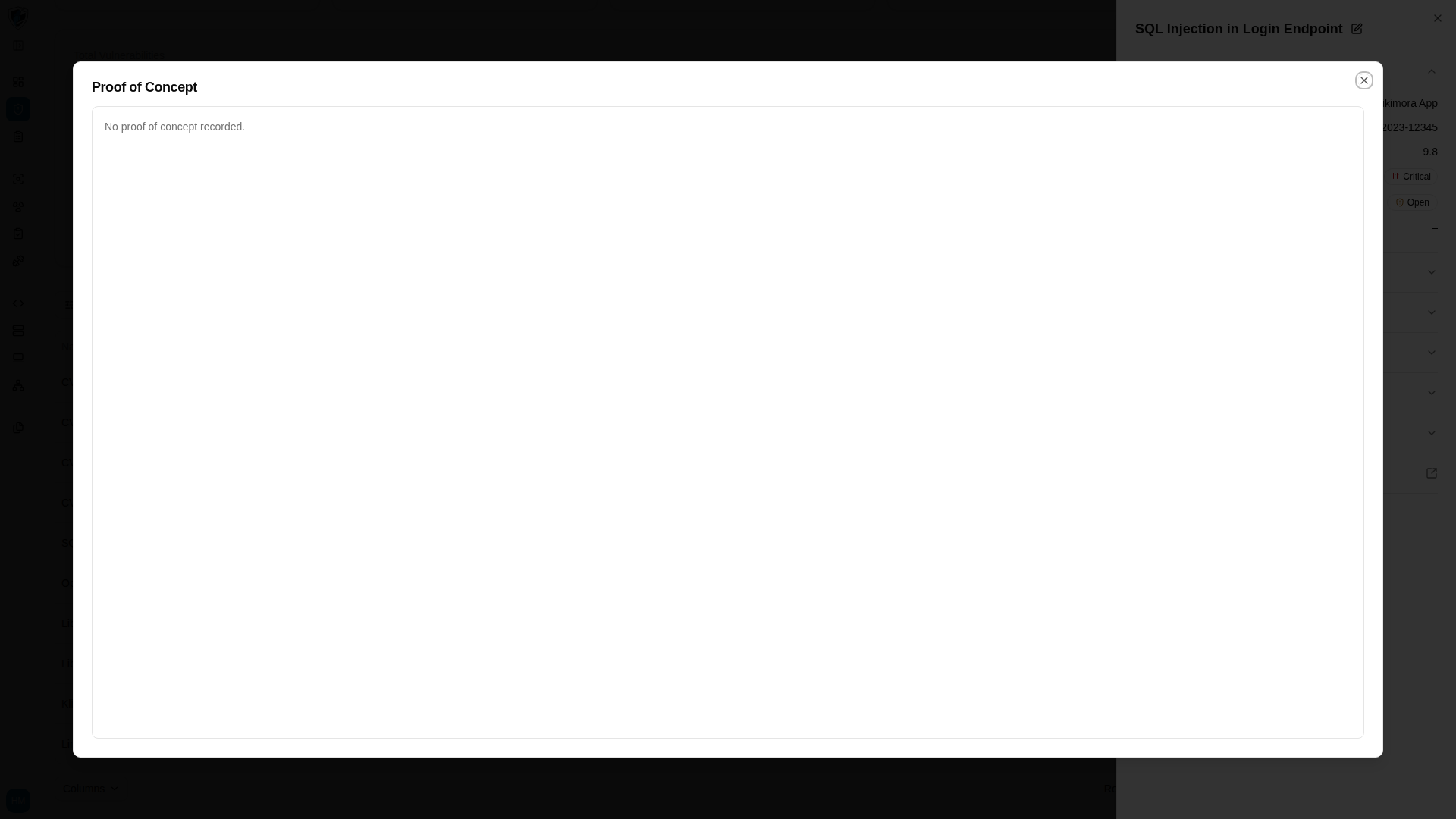
Open the proof of concept full screen
- Find the Proof of Concept section in the sidepanel.
-
Click the Proof of Concept expand button to open the dedicated evidence viewer, which renders requests, responses, and code blocks at full width for closer verification.