Check statuses
Update a check
-
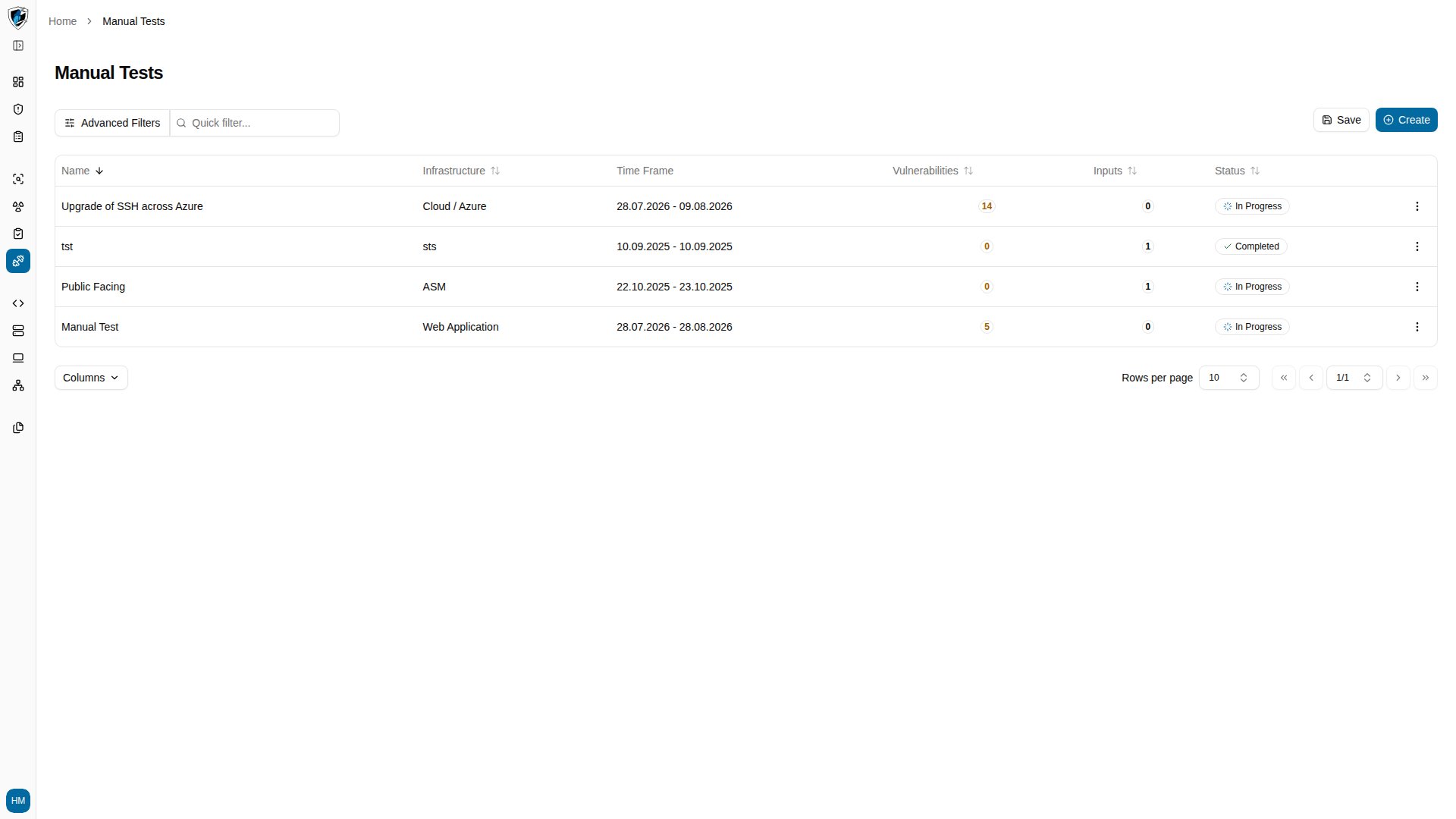
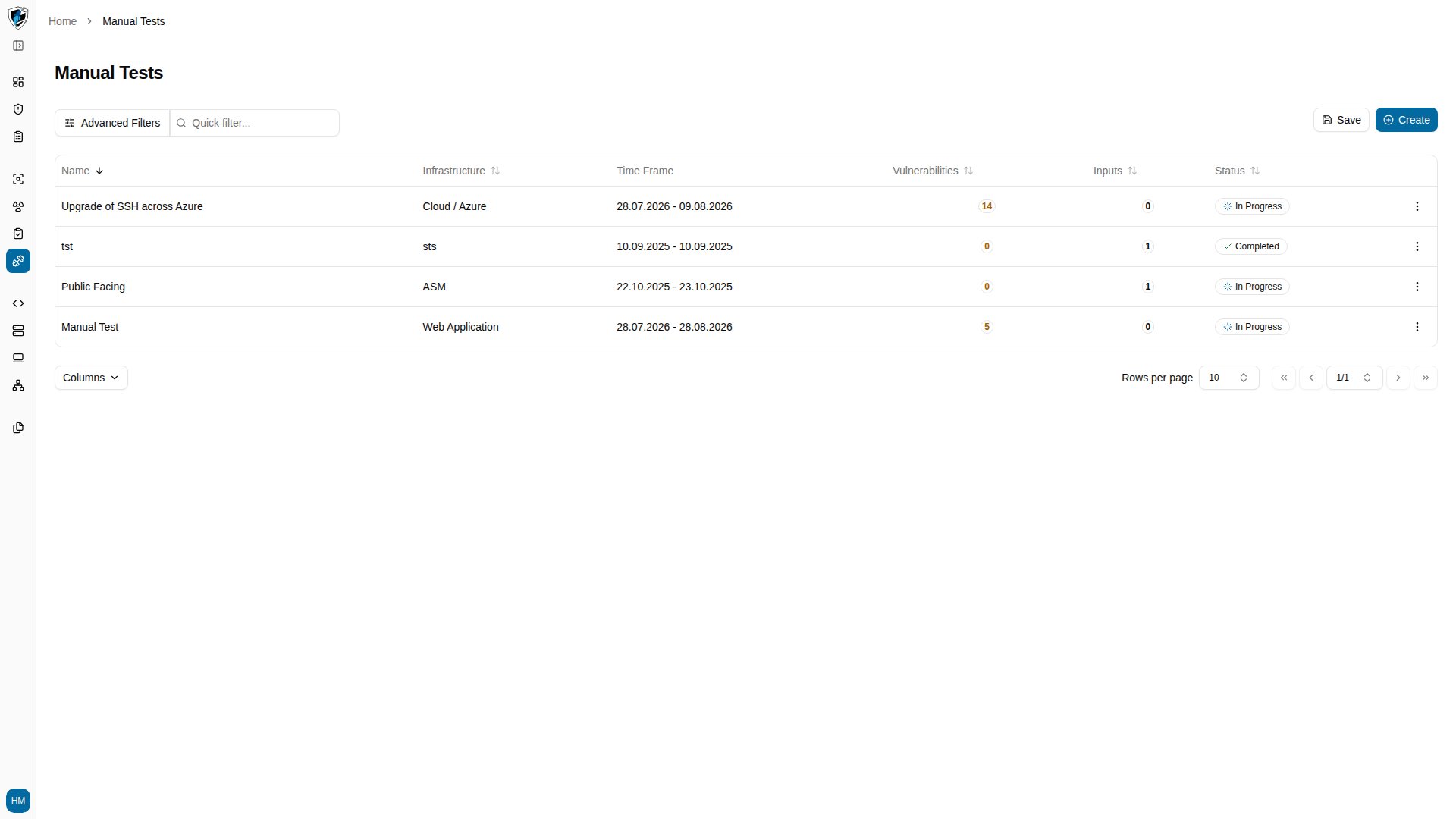
Open Manual Tests from the sidebar and select a test from the list, such as Upgrade of SSH across Azure.
-
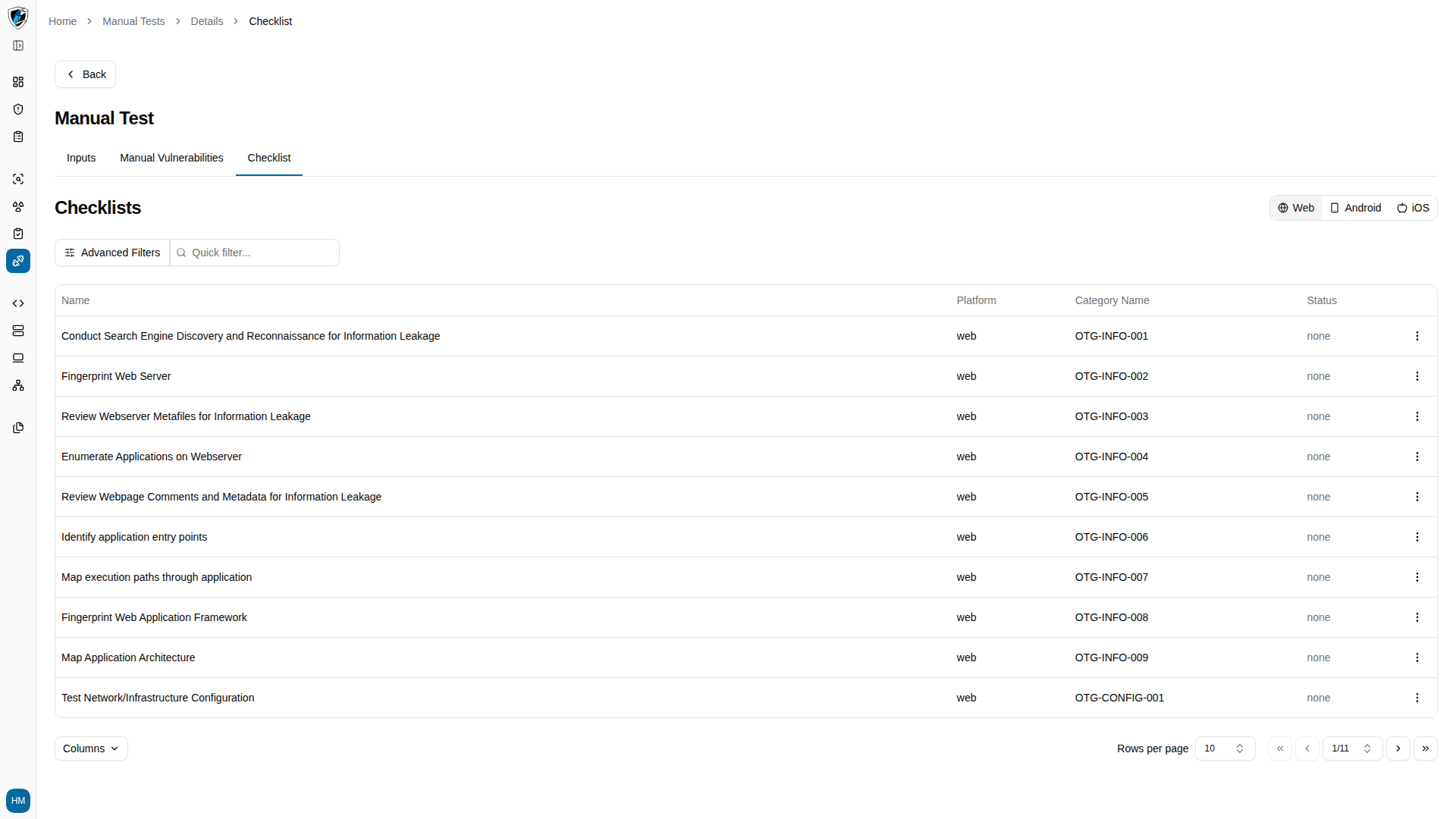
Switch to the Checklist tab to see every structured security check attached to the test.
-
Click the action menu (
...) at the right end of the check row you want to work on.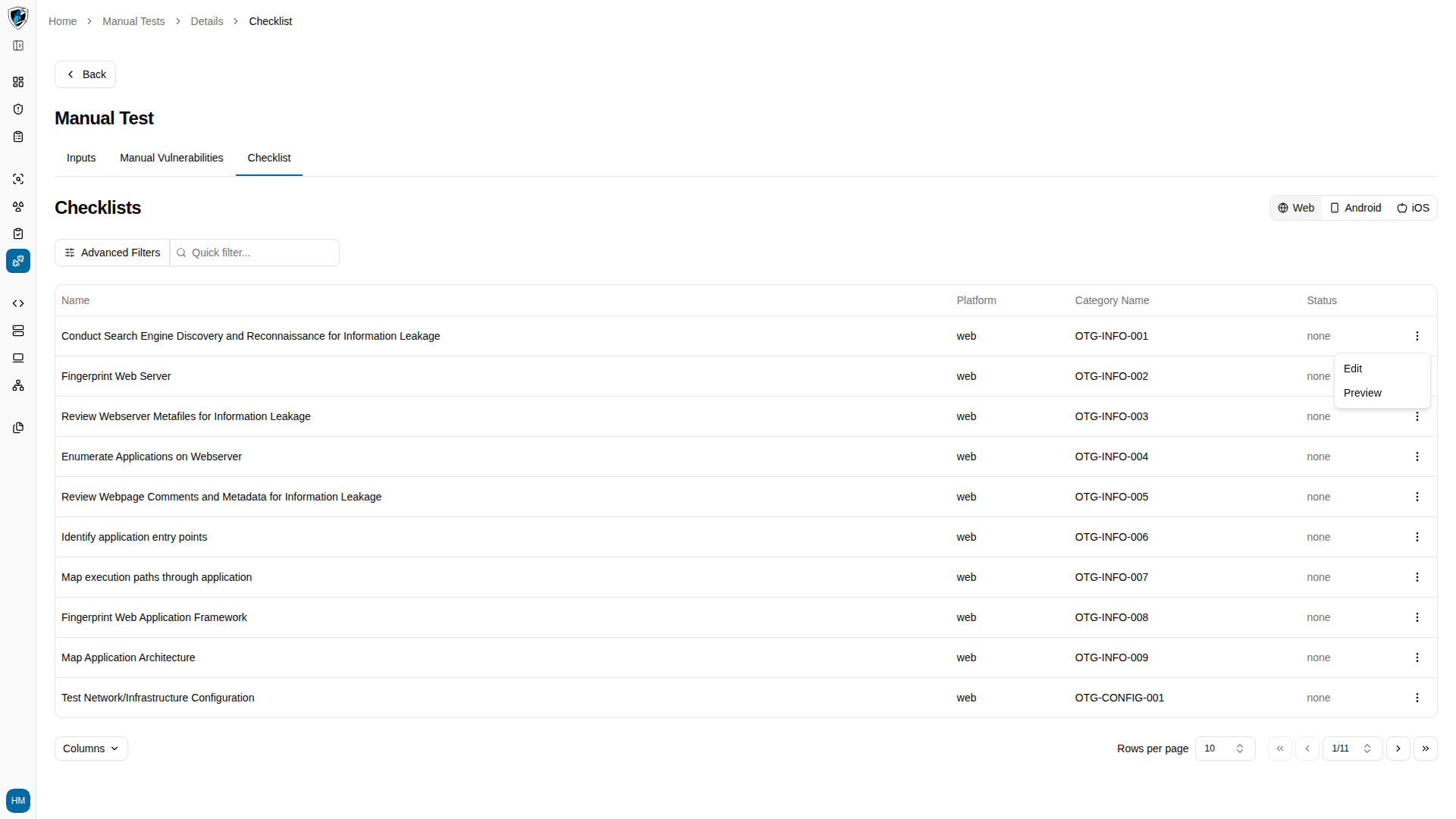
-
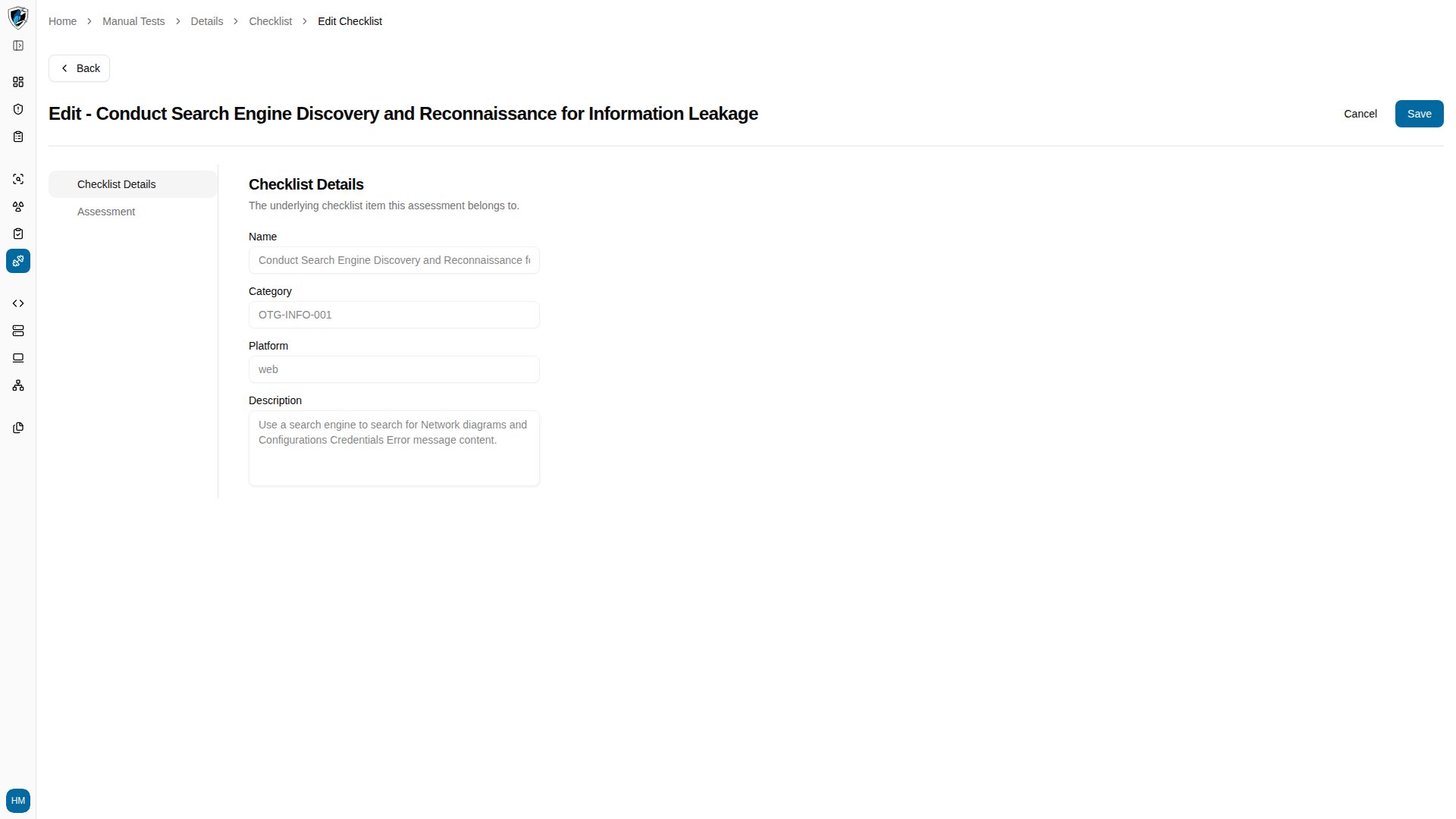
Select Edit to open the check, which has two tabs: Checklist Details and Assessment.
-
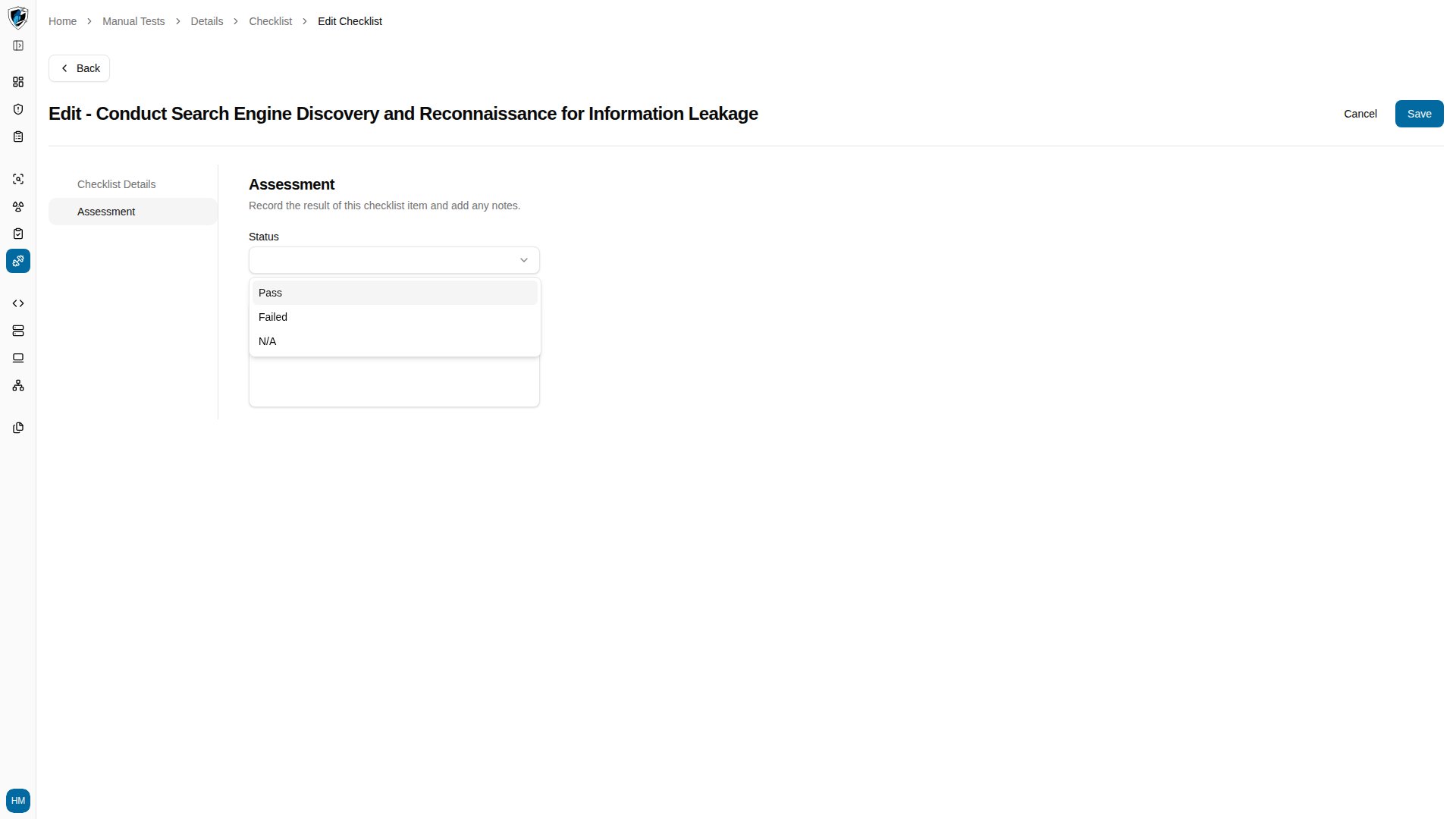
Switch to the Assessment tab and click the Status combobox to record your evaluation.
-
Click Back at the top left of the header to return to the Manual Tests list.