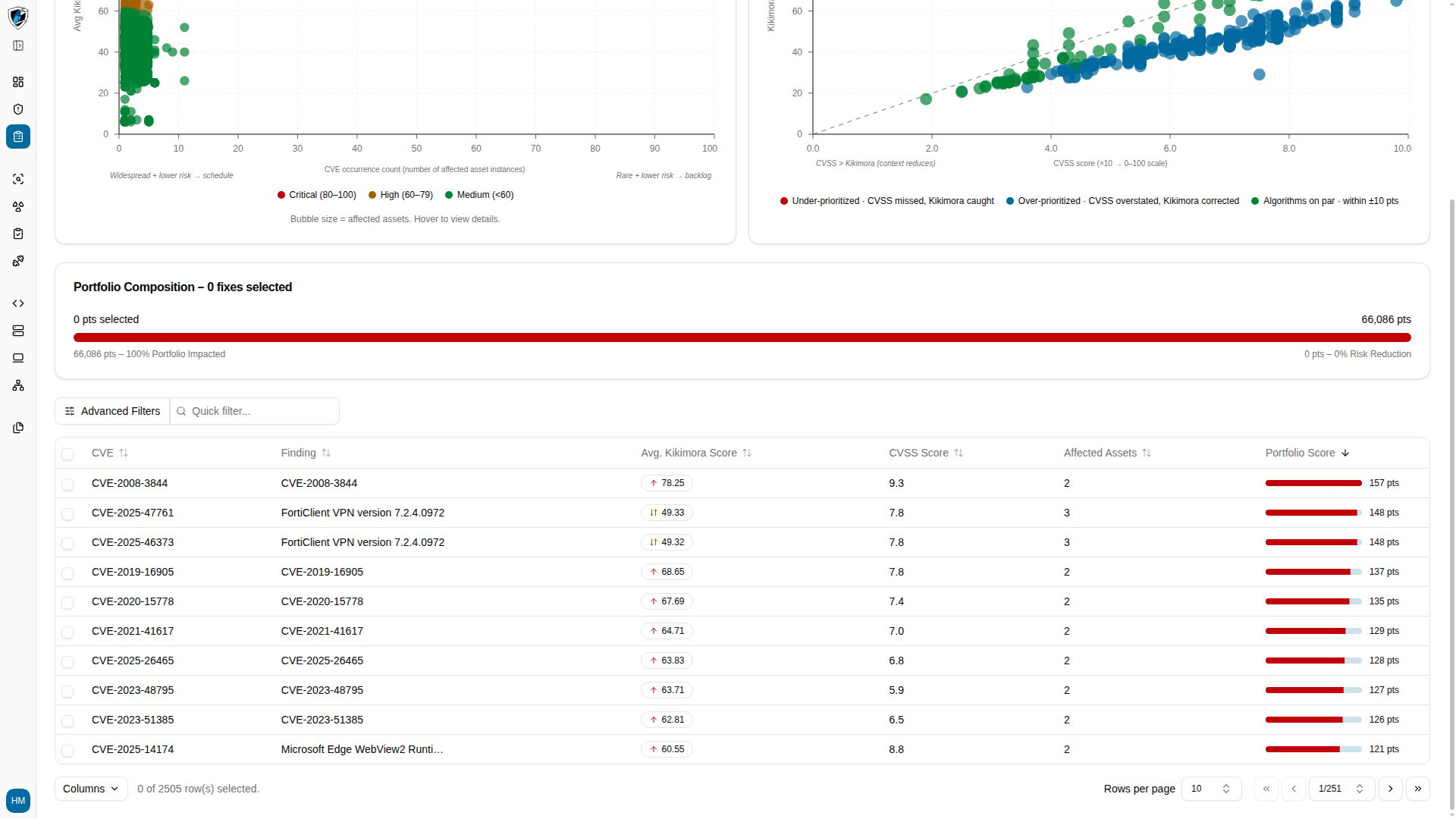
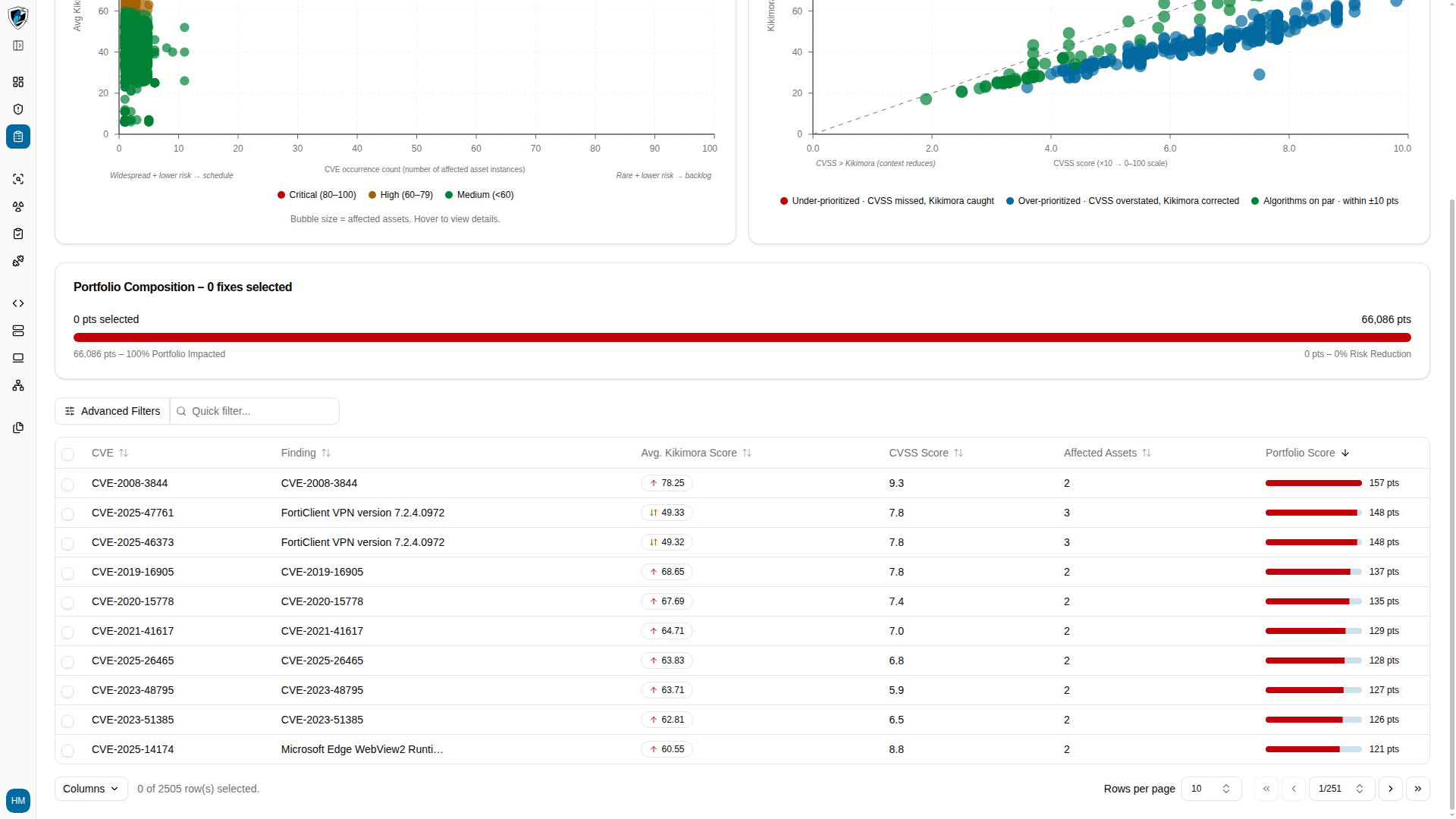
Every Dashboard widget has a View More action that carries you from the aggregate number to the records behind it. Several widgets pre-apply a filter or sort on arrival, so the destination opens already scoped to what the widget was showing.

Destination reference

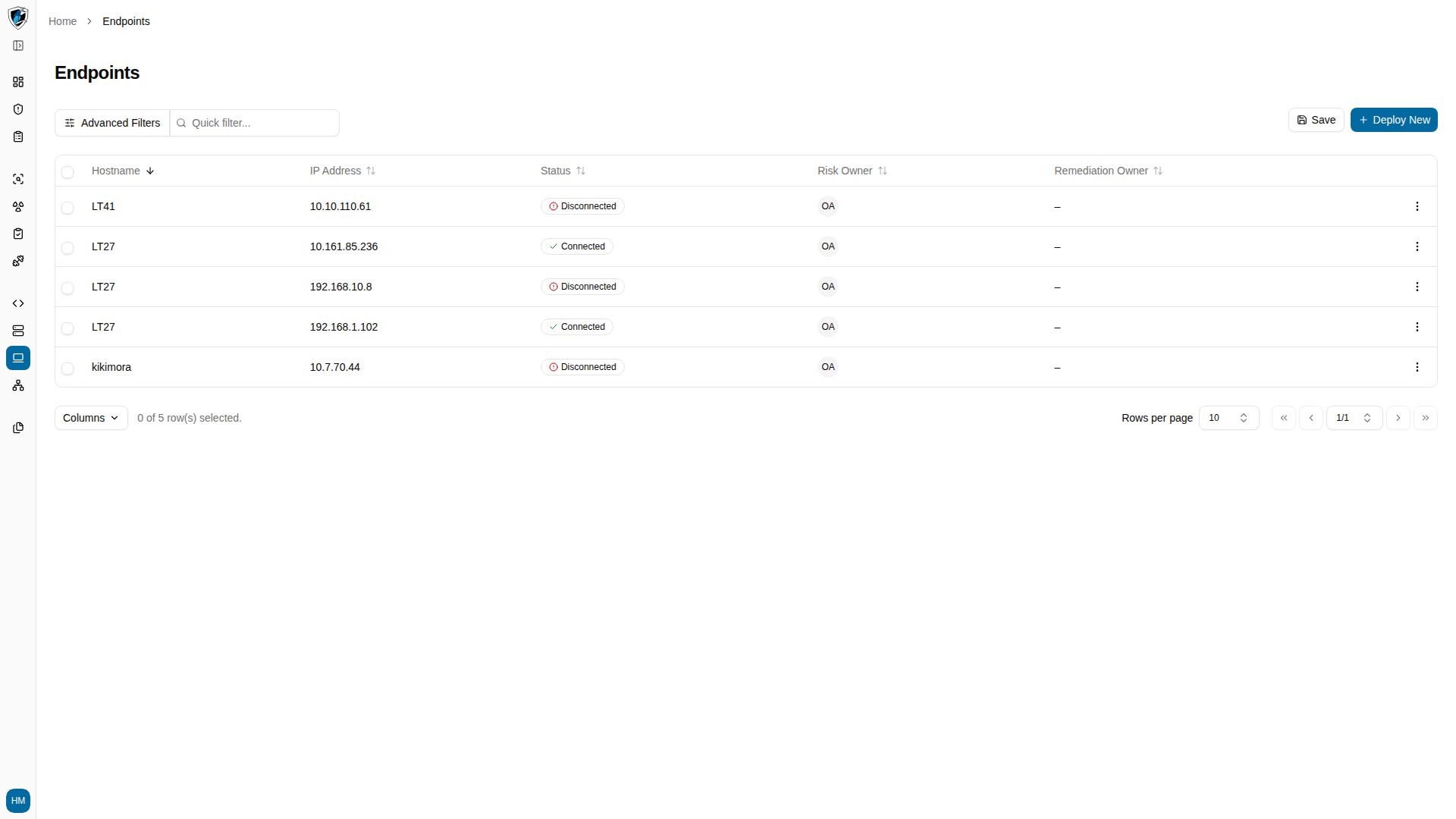
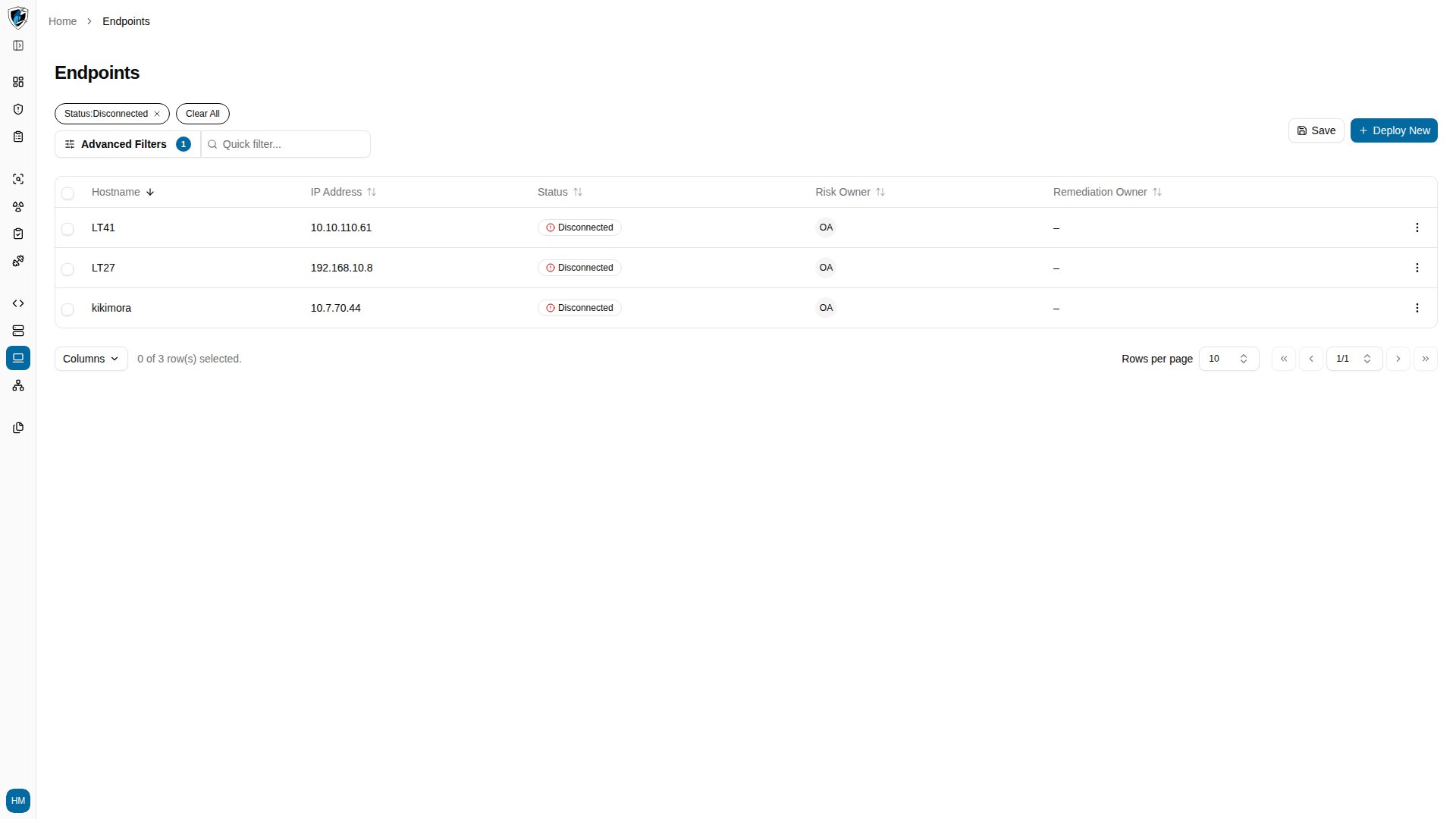
Note that Disconnected Endpoints lands on the general Endpoints list without an agent status filter applied — you land on every endpoint, not only the disconnected ones.

Where each widget lands

Not Scanned Web Applications
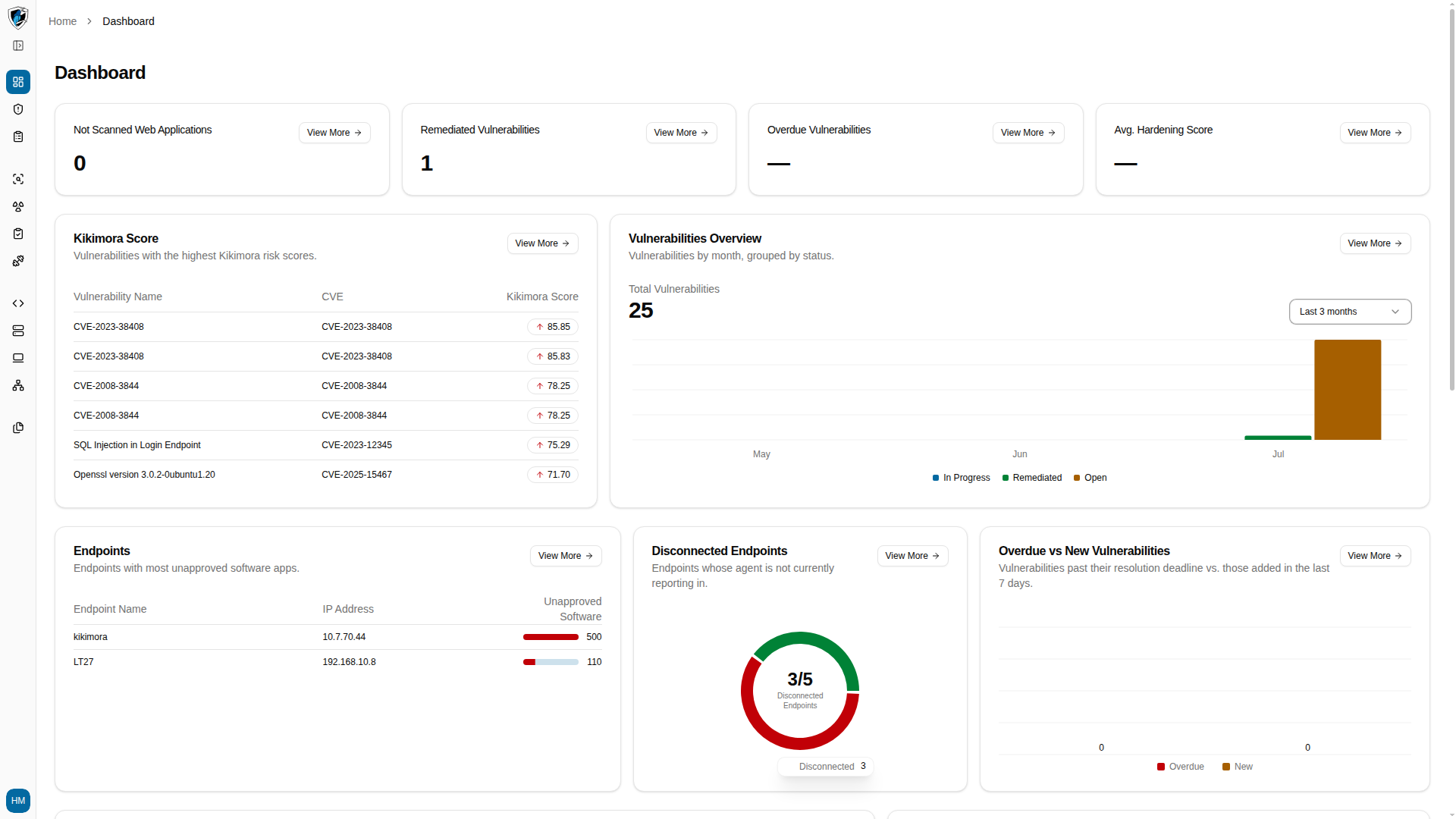
Web Applications list page, unfiltered

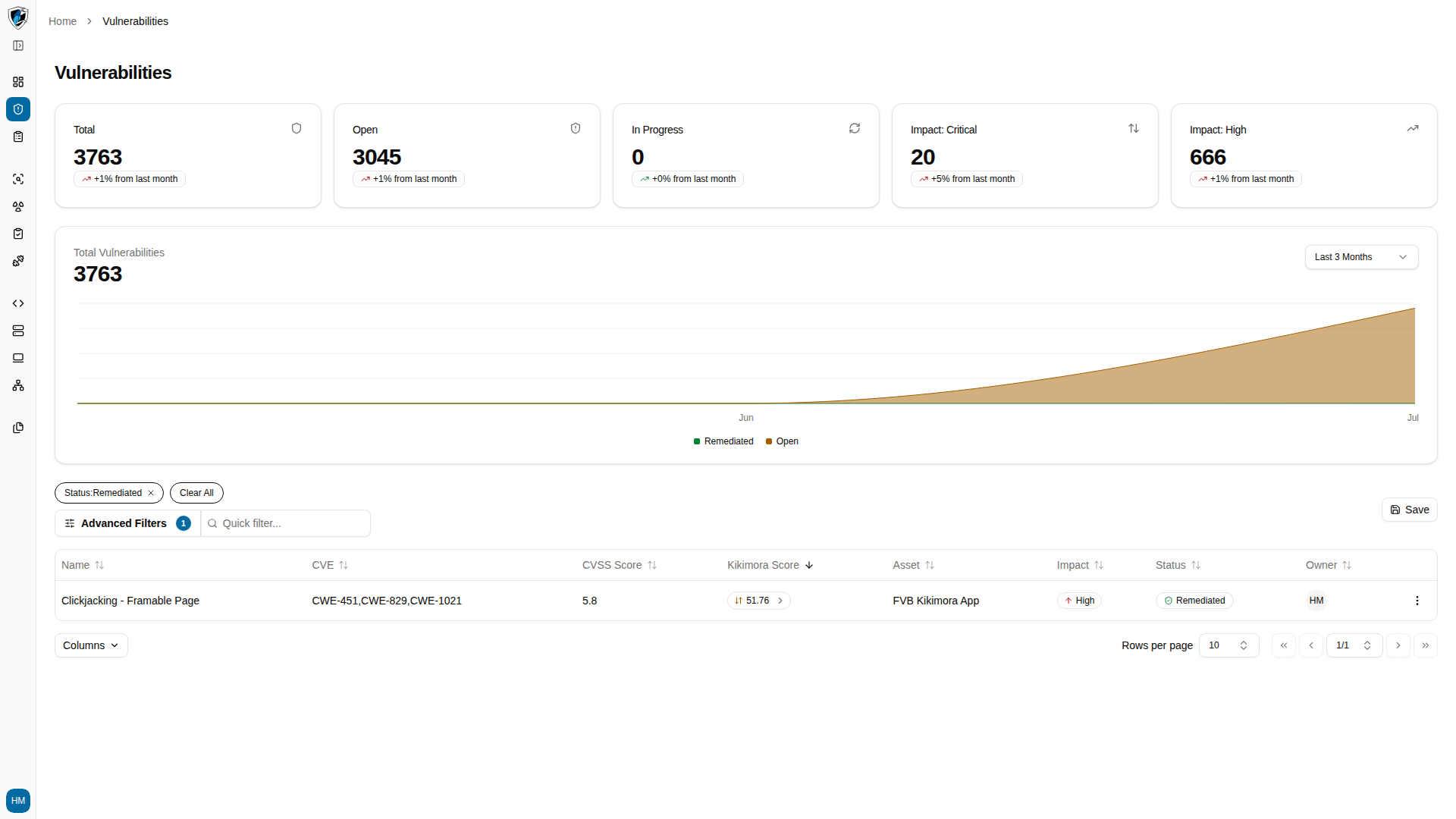
Remediated Vulnerabilities

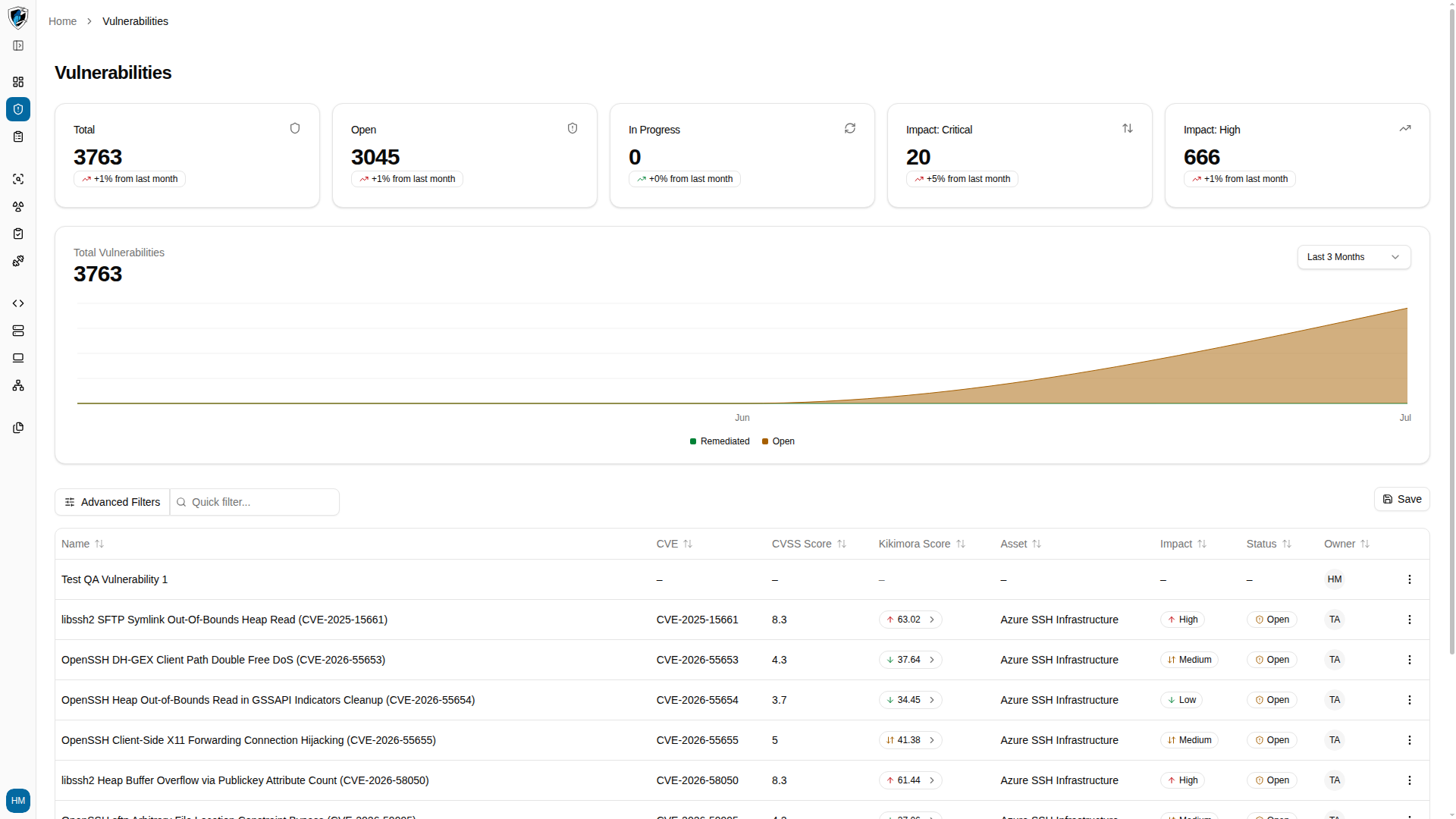
Vulnerabilities table filtered to remediated findings

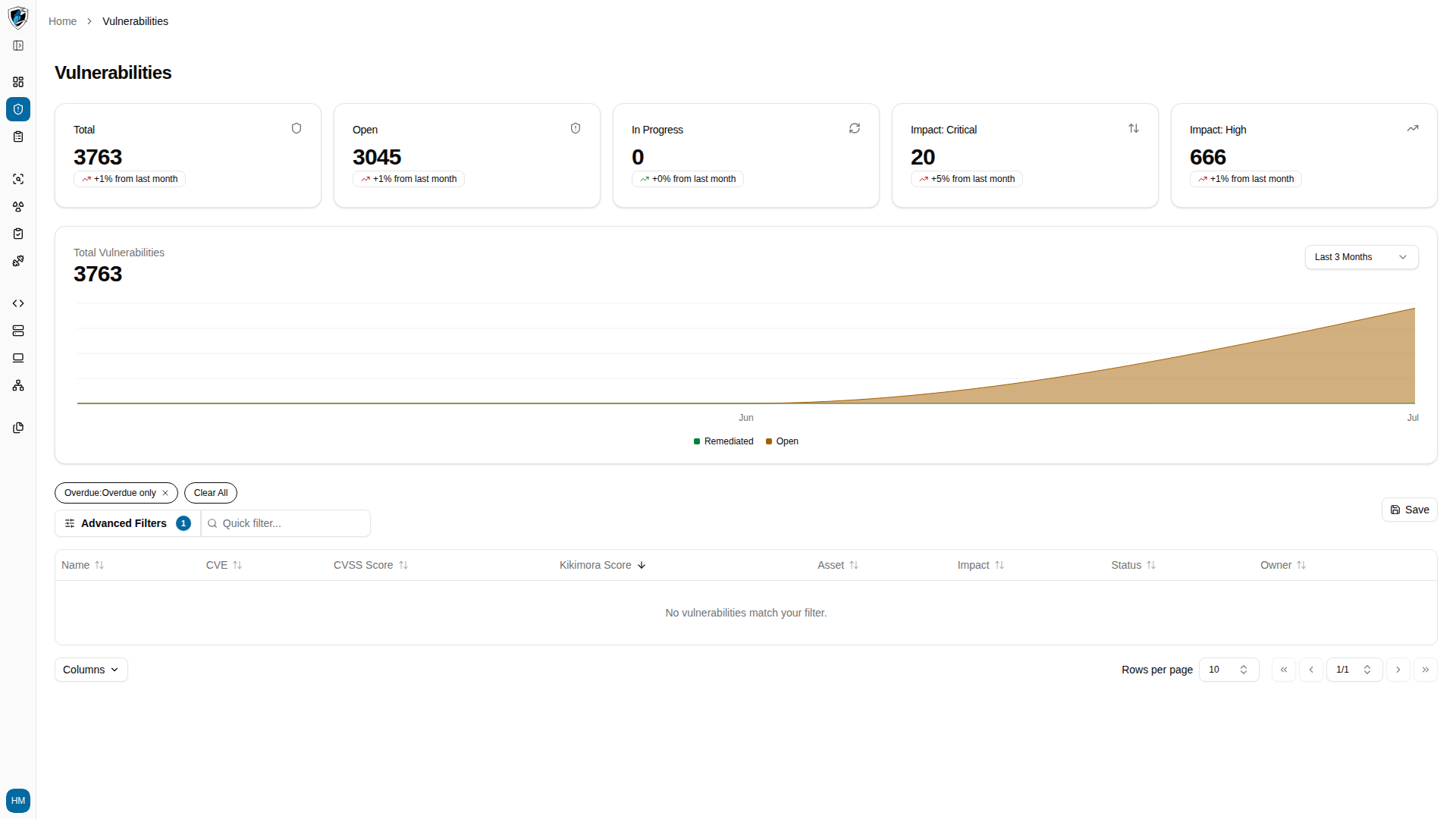
Overdue Vulnerabilities

Vulnerabilities table filtered to findings past their SLA deadline

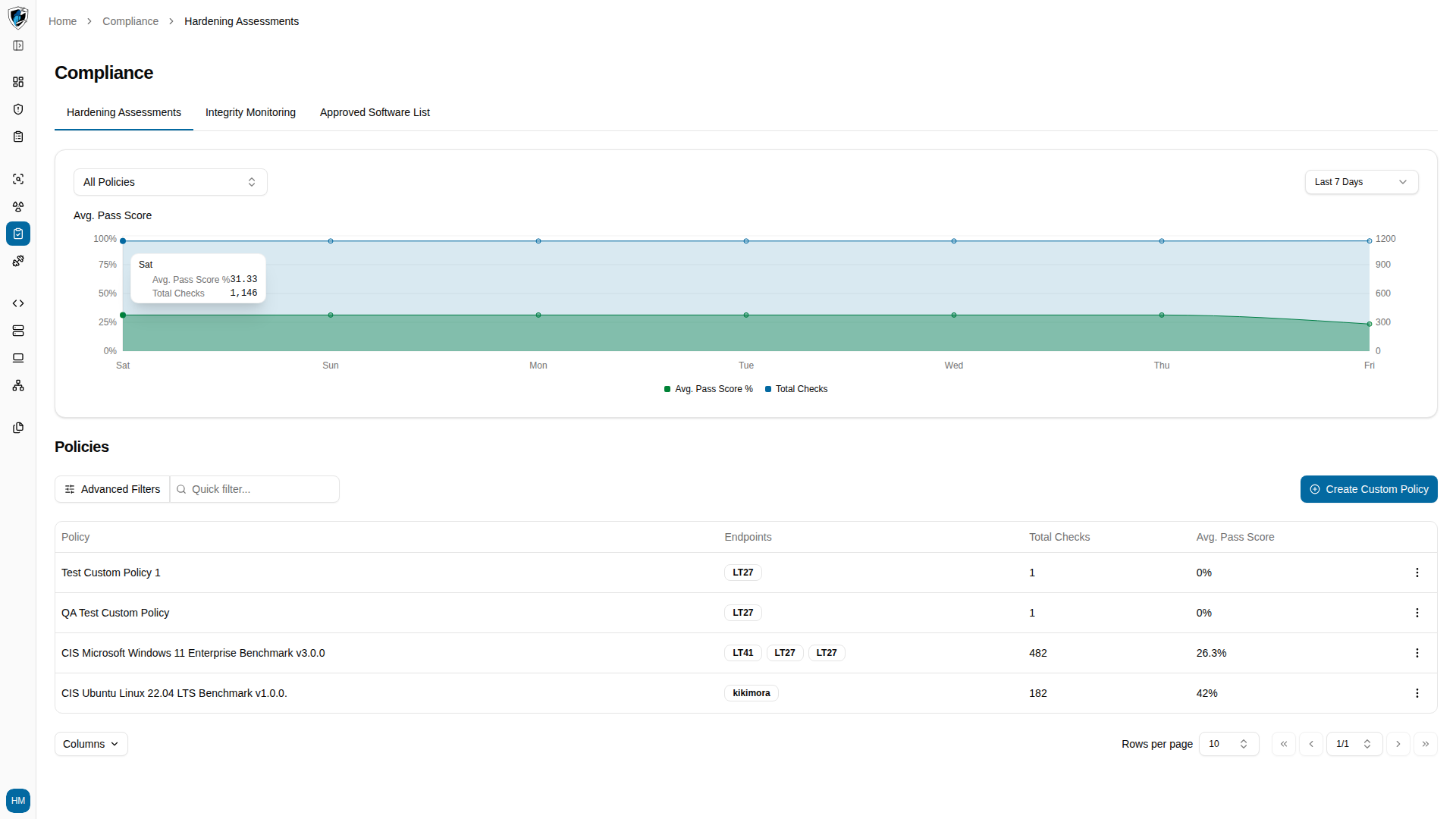
Avg. Hardening Score

Compliance Hardening Assessments page with the Avg. Pass Score chart and policies list

Endpoints

Endpoints list page

Disconnected Endpoints

Endpoints list page, showing all endpoints rather than only disconnected ones

Overdue vs New Vulnerabilities

Vulnerabilities table sorted by creation date, newest first

CVE Frequency

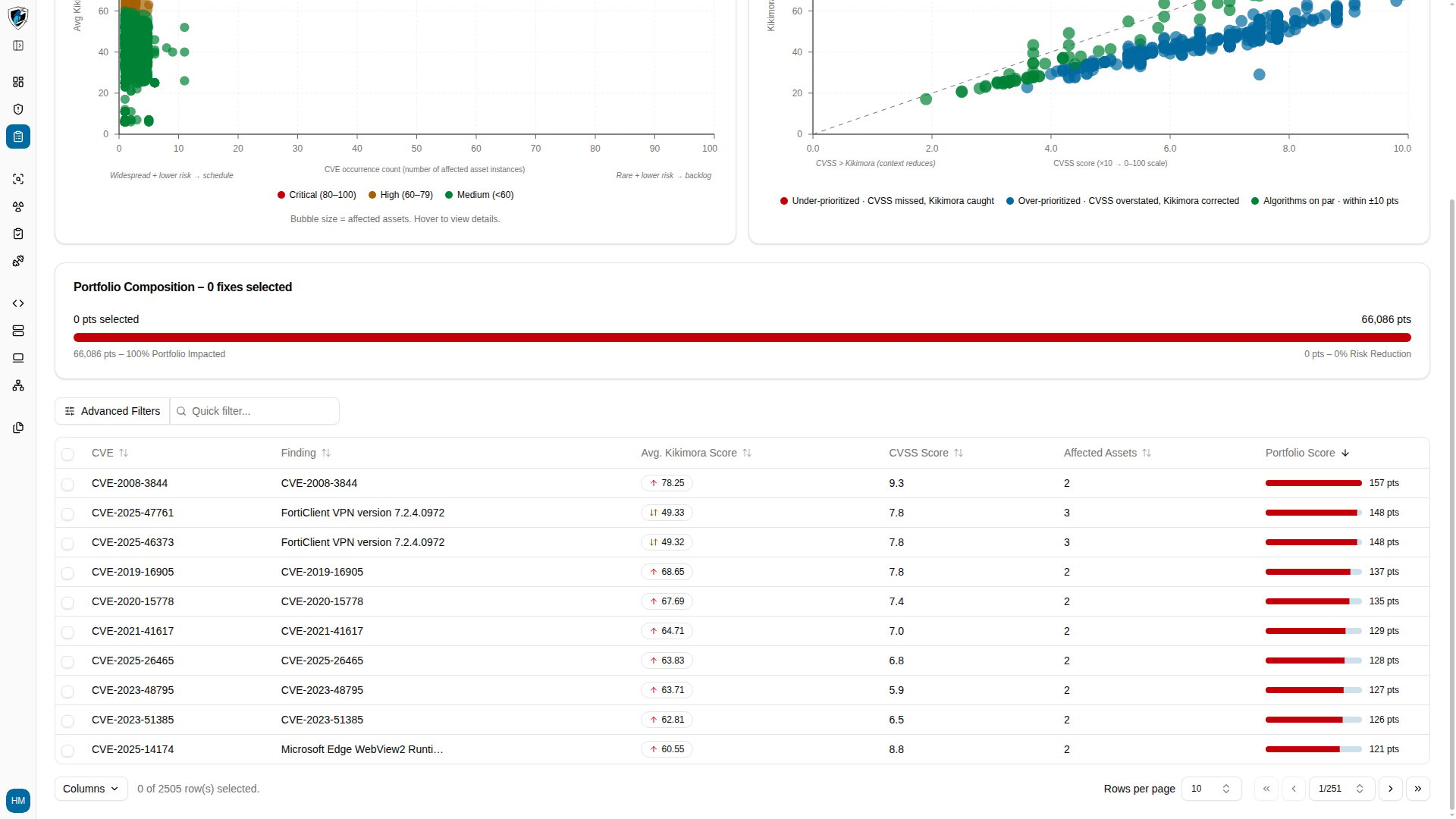
Risk Management module landing page

Most Critical CVEs

Risk Management module landing page reached from the Most Critical CVEs widget

Kikimora Score vs CVSS

Risk Management module landing page reached from the score comparison widget

Most Under-prioritized CVEs

Risk Management module landing page reached from the under-prioritized CVEs widget