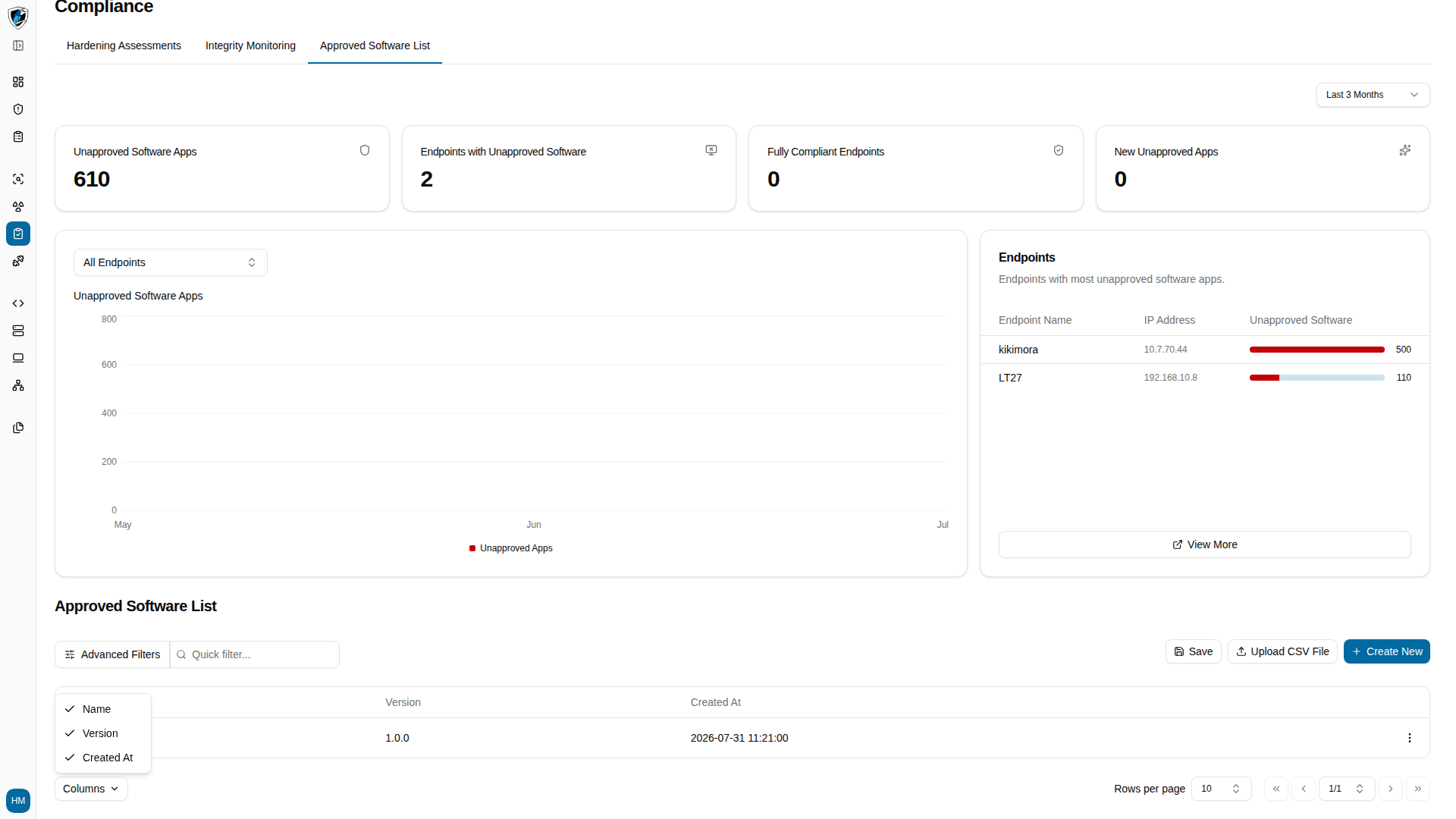
Scoping by endpoint
The Select Endpoint dropdown above the charts and table scopes everything below it:- All Endpoints — globally approved software, with counts aggregated across the whole fleet.
- A specific endpoint — compliance status and inventory as detected on that one host.
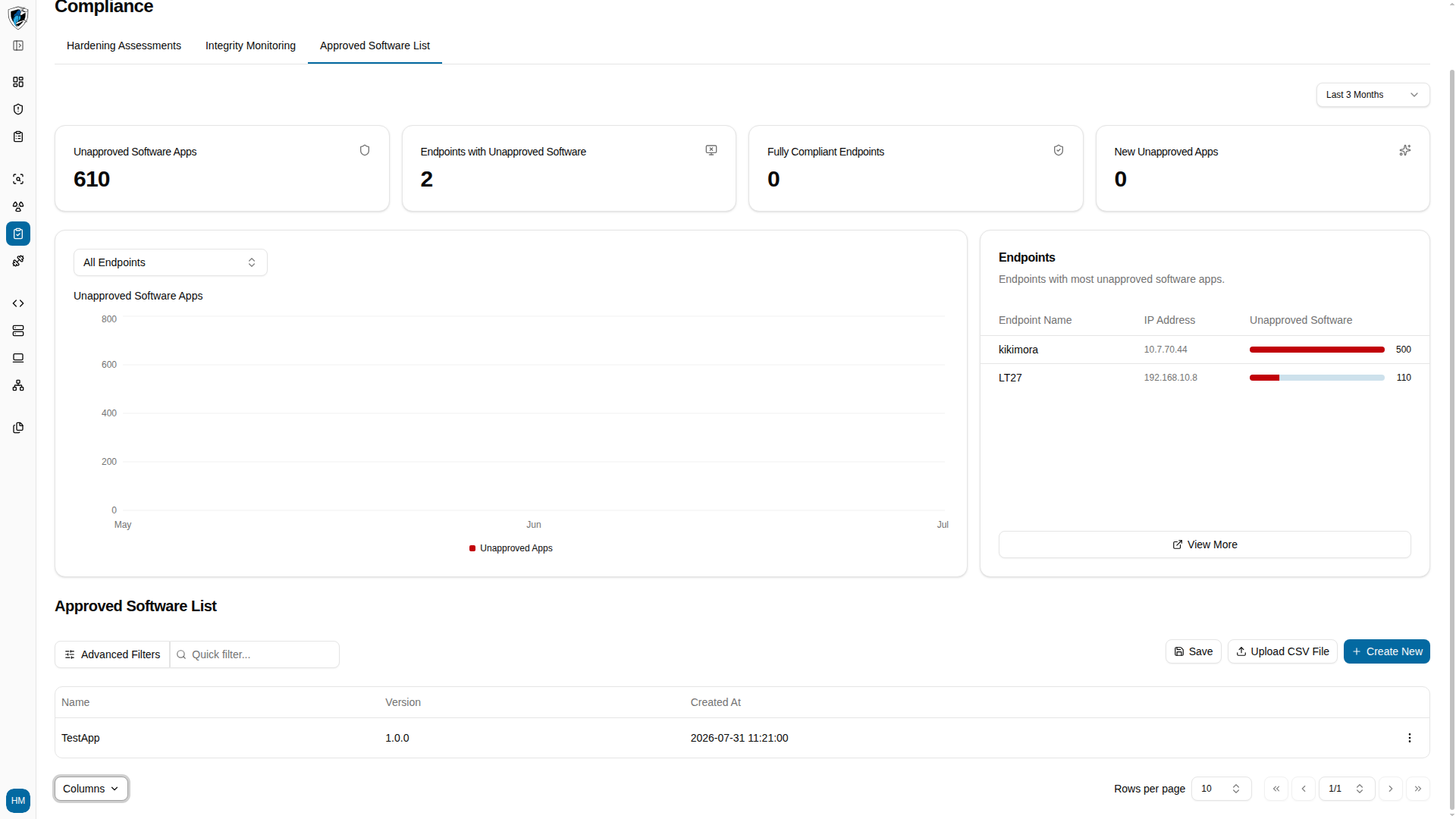
Columns
The Columns selector at the bottom left controls which columns appear:Filters and row actions
Advanced Filters narrows entries by attribute. Each row’s action menu (...) on the right manages or deletes that entry.
Work through the table
-
Pick a host from the Select Endpoint dropdown to scope the table and its metrics to that endpoint.
-
Click Columns at the bottom left to toggle column visibility.