> ## Documentation Index
> Fetch the complete documentation index at: https://docs.kikimora.io/llms.txt
> Use this file to discover all available pages before exploring further.
# Activity logs
> Open a finding's activity timeline to audit its history, and record manual progress notes against it.
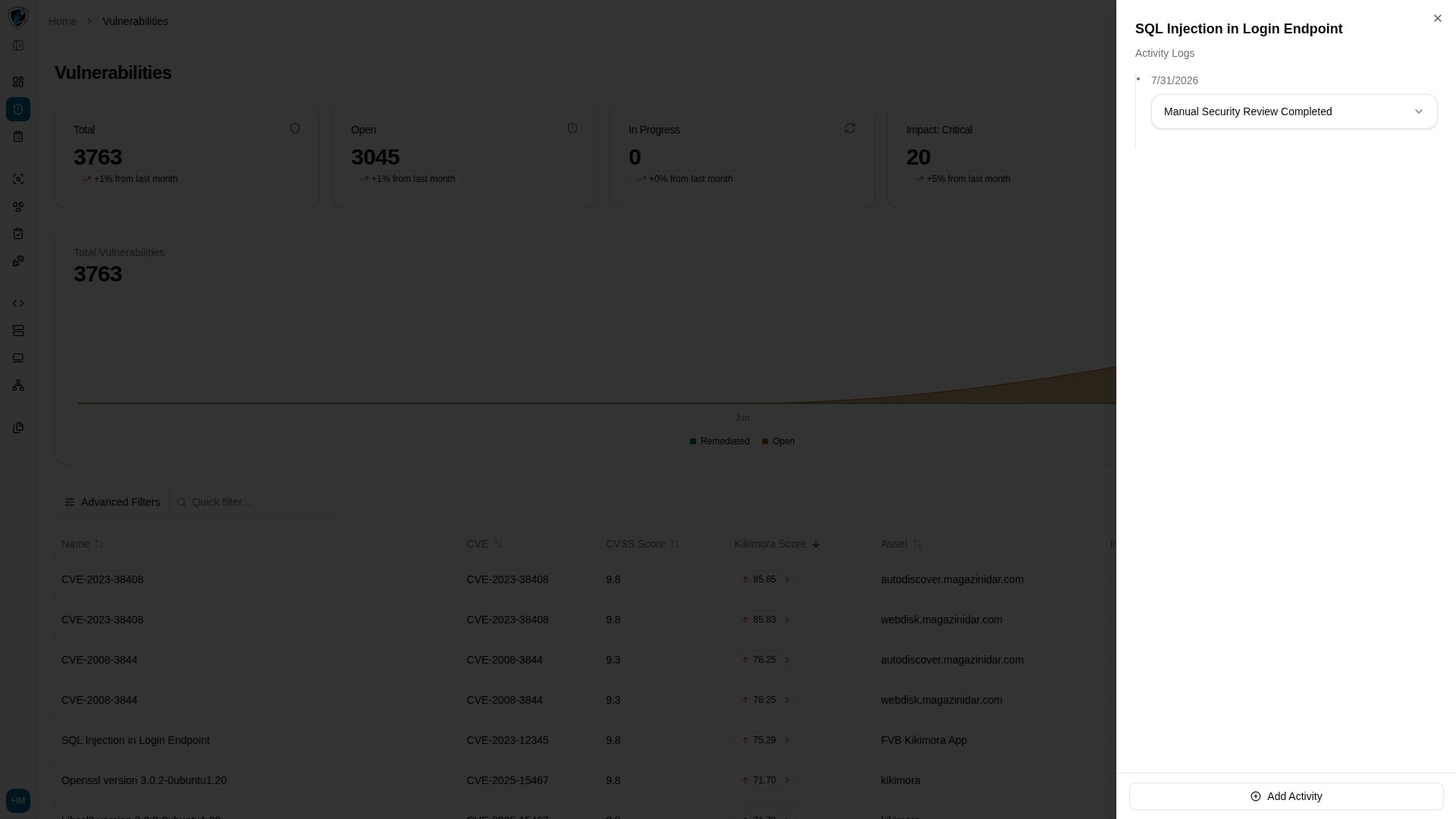
**Activity Logs** track the full history of a vulnerability — changes, status updates, and manual entries — as an audit trail. The same sheet appears in the Web Applications inner vulnerabilities table and in Manual Tests.
Activities are grouped chronologically by date. Longer histories collapse behind a "+ N more activities" control and continue loading as you scroll.
## View activity logs
1. Find the vulnerability row in the table.
2. Click the row action menu (`...`) at the right end of the row.
3. Select **Activity Logs**.
 ## Add an activity
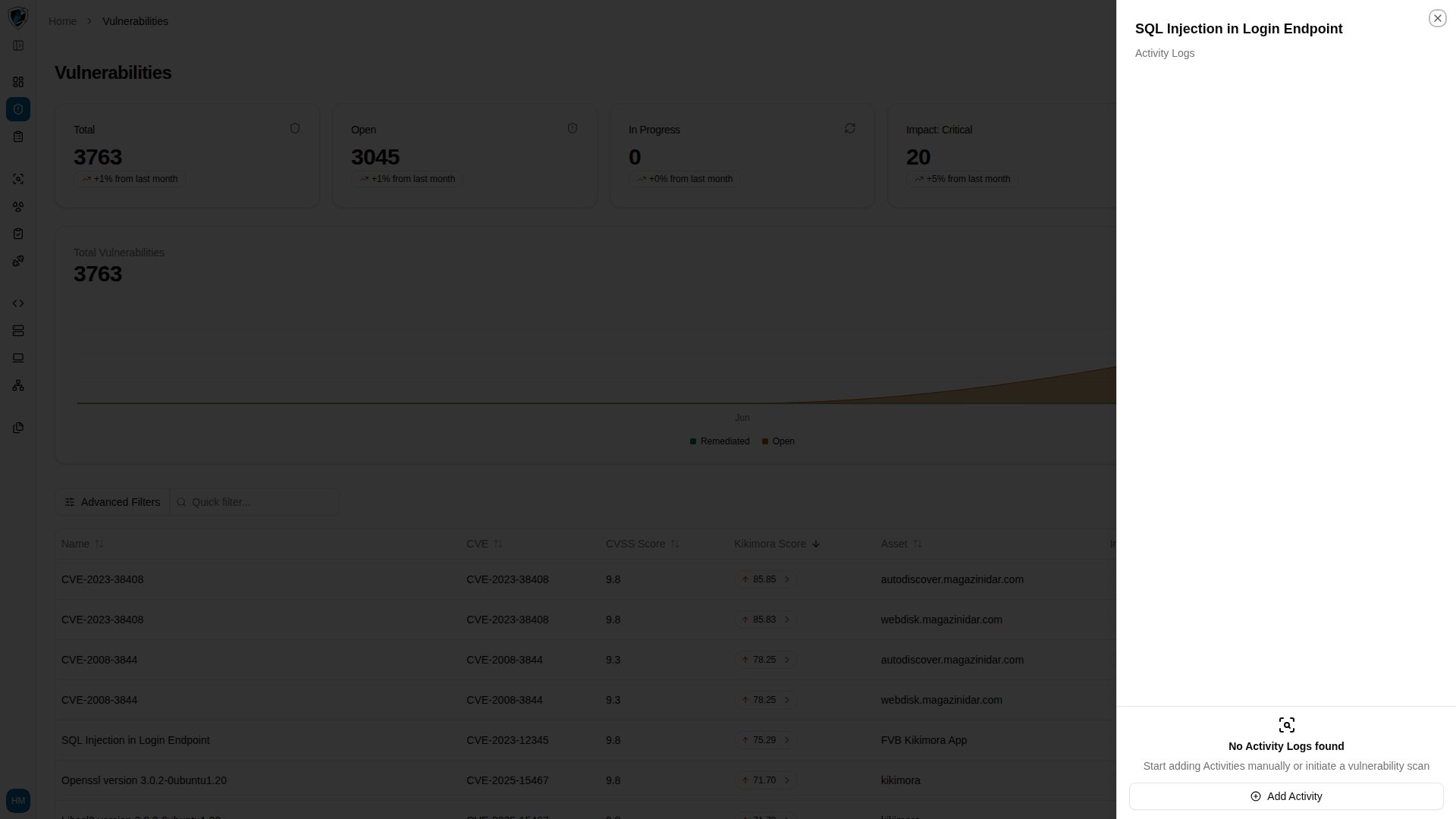
1. Click **Add Activity** at the bottom of the Activity Logs sheet.
## Add an activity
1. Click **Add Activity** at the bottom of the Activity Logs sheet.
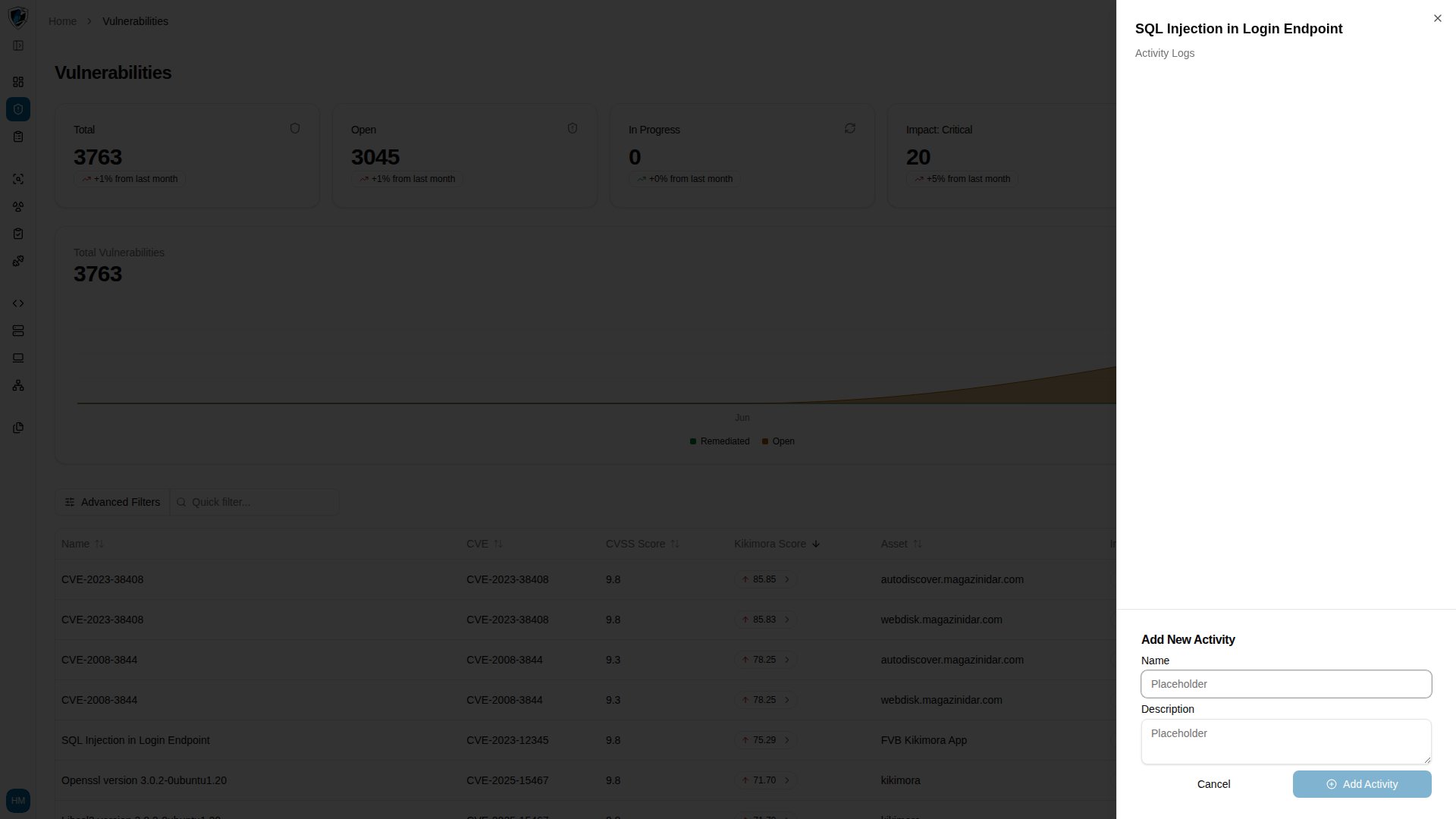 2. Enter a **Name**, such as `Manual Security Review Completed`, and optionally a **Description**. The submit button stays disabled until **Name** is filled in.
3. Click **Add Activity**. A success toast reading `Activity added.` confirms the entry.
2. Enter a **Name**, such as `Manual Security Review Completed`, and optionally a **Description**. The submit button stays disabled until **Name** is filled in.
3. Click **Add Activity**. A success toast reading `Activity added.` confirms the entry.