> ## Documentation Index
> Fetch the complete documentation index at: https://docs.kikimora.io/llms.txt
> Use this file to discover all available pages before exploring further.
# Creating a manual vulnerability
> Log a finding discovered during manual testing through the six-step New Vulnerability wizard, with field constraints and validation messages.
You log findings from manual testing in the **Manual Vulnerabilities** view of a manual test. The New Vulnerability wizard takes six steps.
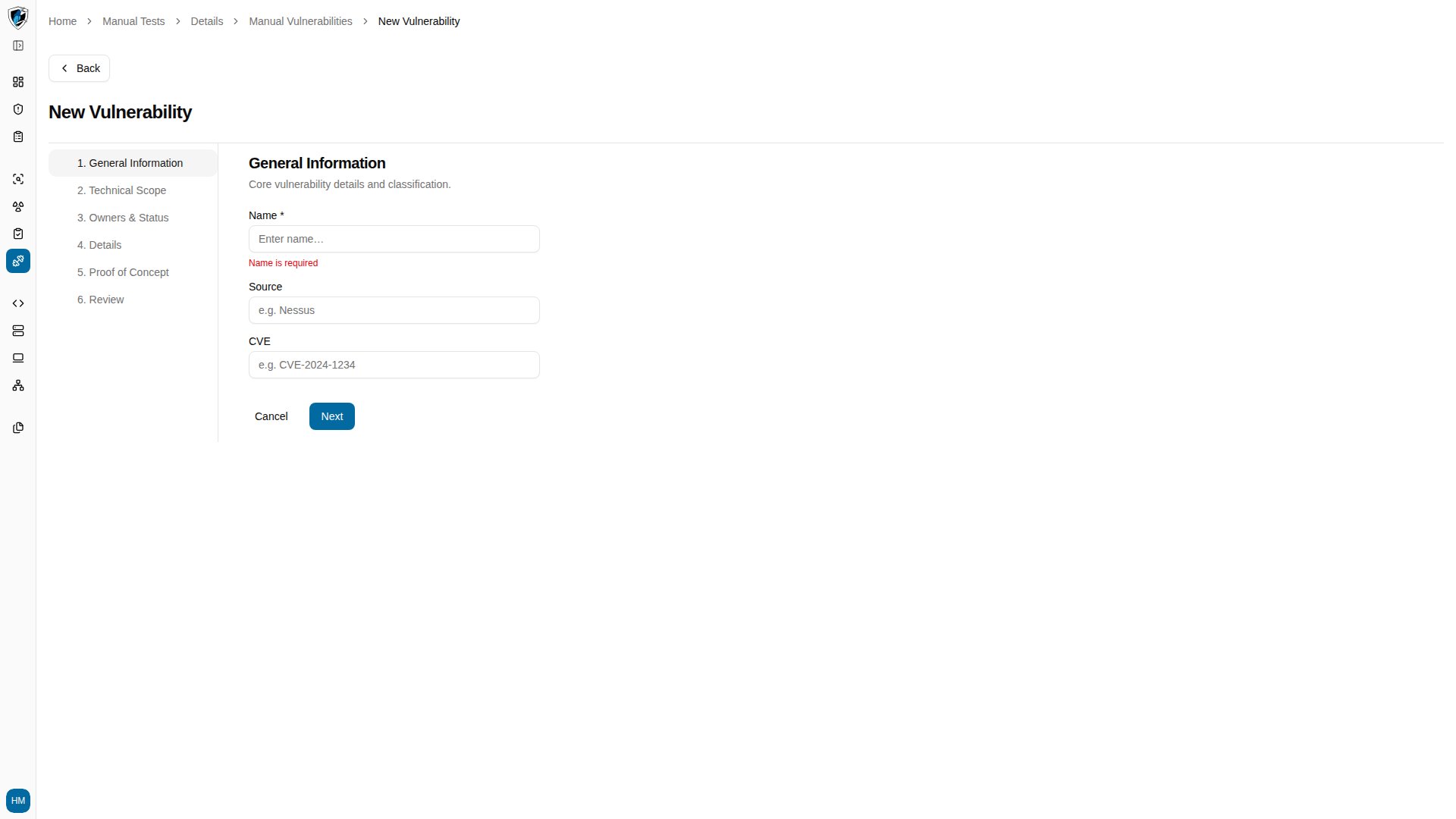
## Step 1: General information
Open the **Manual Vulnerabilities** tab inside a manual test and click **Create**, then describe the finding:
* **Name** *(required)* — the title of the vulnerability. Clicking **Next** with it empty returns `Name is required`.
* **Category** — the security test category, such as *Manual Pentest*.
* **CVE** — the CVE identifier, such as *CVE-2024-9999*.
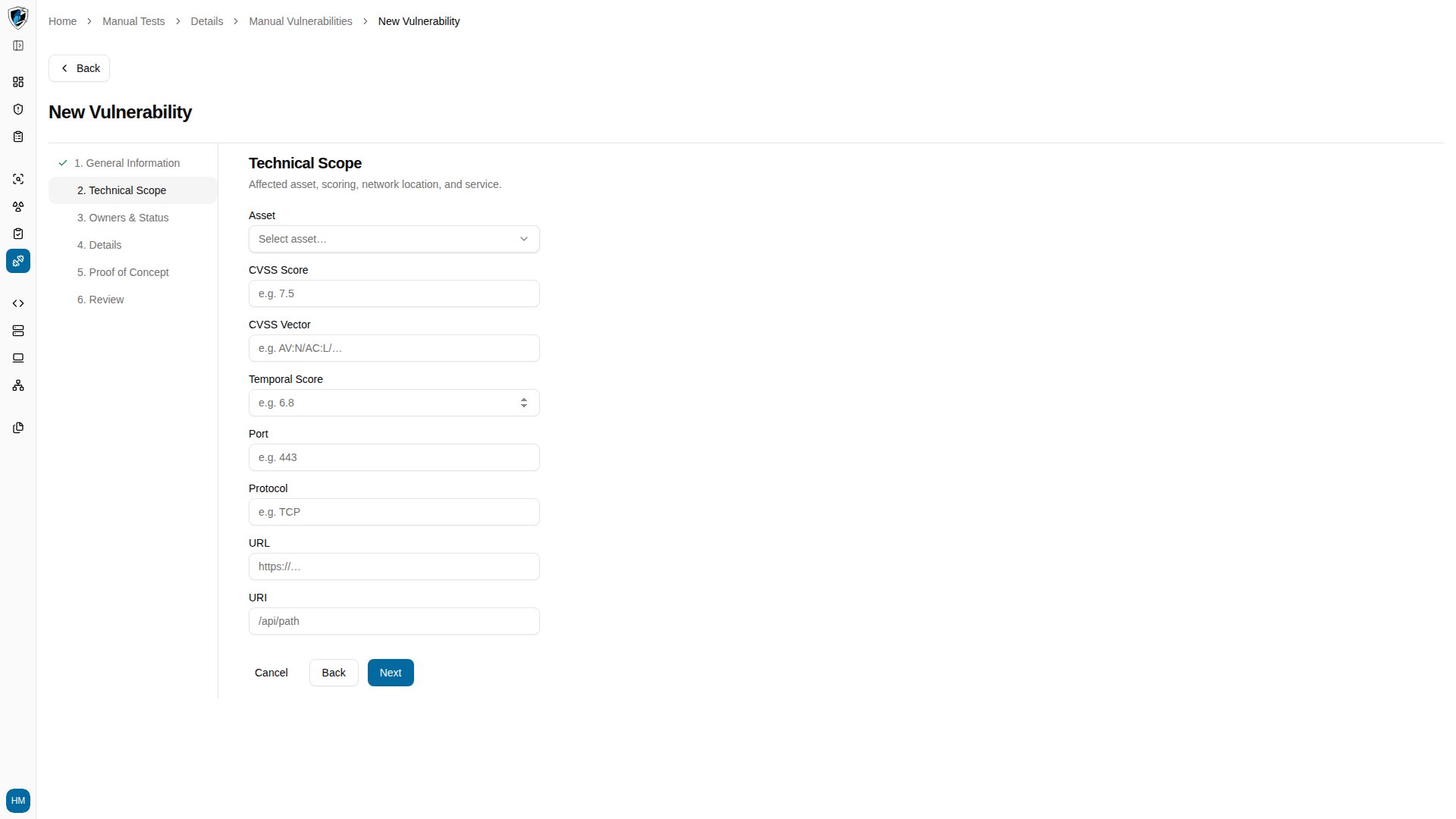
 ## Step 2: Technical scope
Click **Next**, then select the assets, web applications, or endpoints the finding affects.
## Step 2: Technical scope
Click **Next**, then select the assets, web applications, or endpoints the finding affects.
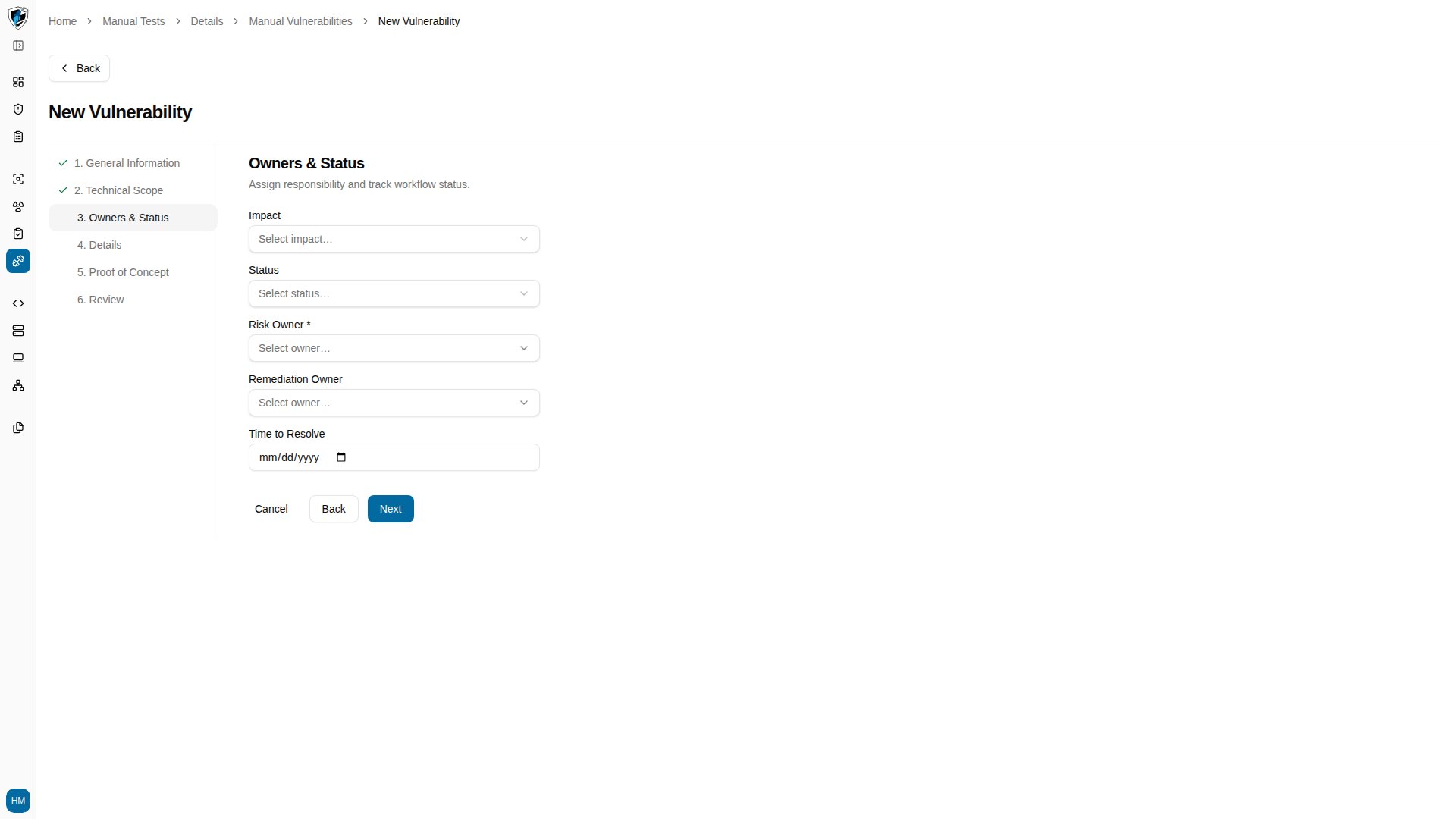
 ## Step 3: Owners and status
Assign responsibility and set the workflow status:
* **Impact** — severity level for the finding.
* **Status** — its initial lifecycle status, such as *Open*.
* **Risk Owner** *(required)* — select an owner from the dropdown. Clicking **Next** without one returns `Risk Owner is required`.
* **Remediation Owner** — the person assigned to fix it.
* **Time to Resolve** — a target resolution date.
## Step 3: Owners and status
Assign responsibility and set the workflow status:
* **Impact** — severity level for the finding.
* **Status** — its initial lifecycle status, such as *Open*.
* **Risk Owner** *(required)* — select an owner from the dropdown. Clicking **Next** without one returns `Risk Owner is required`.
* **Remediation Owner** — the person assigned to fix it.
* **Time to Resolve** — a target resolution date.
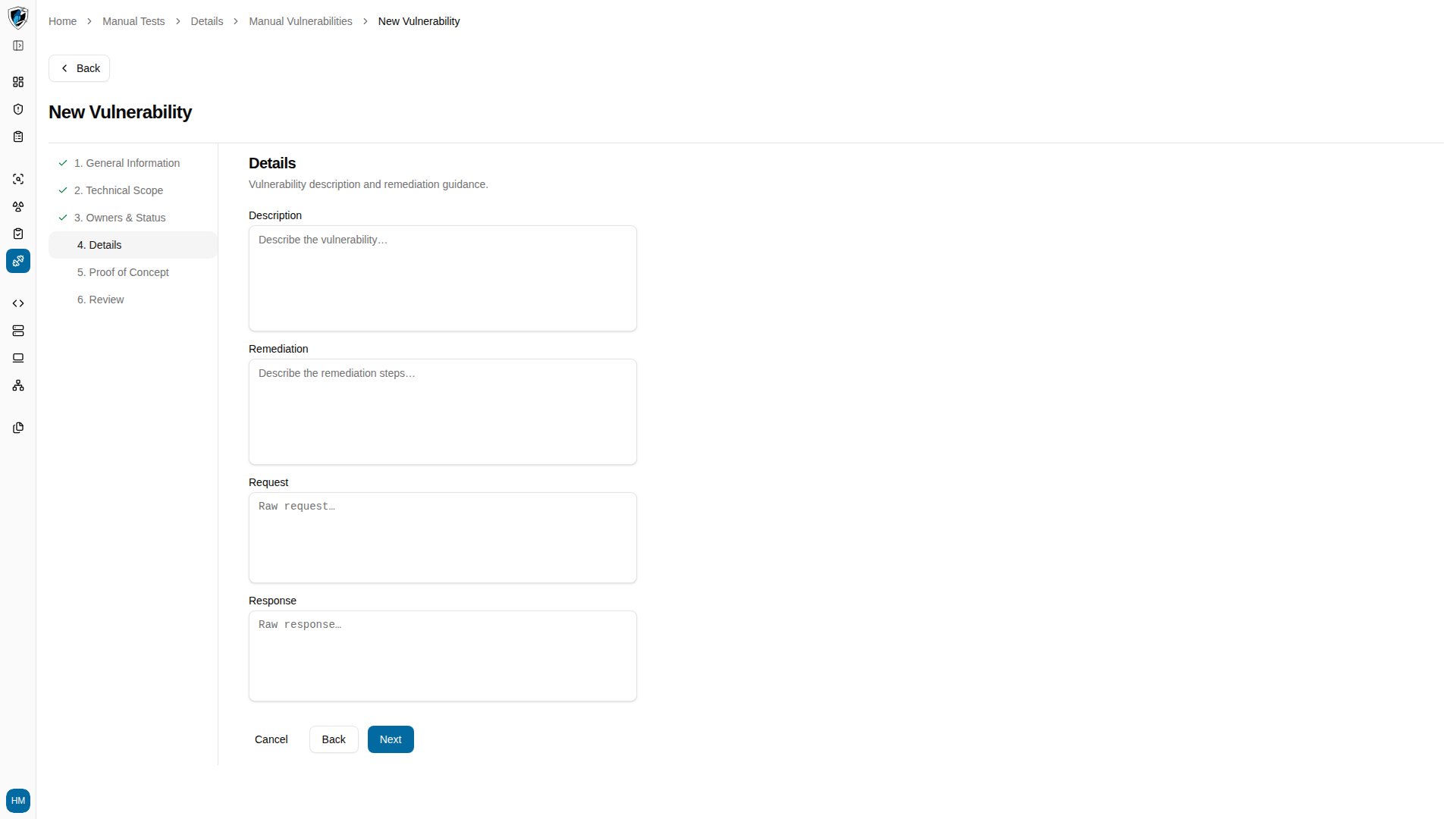
 ## Step 4: Details
Configure CVSS scores, severity, the vector string, and impact descriptions.
## Step 4: Details
Configure CVSS scores, severity, the vector string, and impact descriptions.
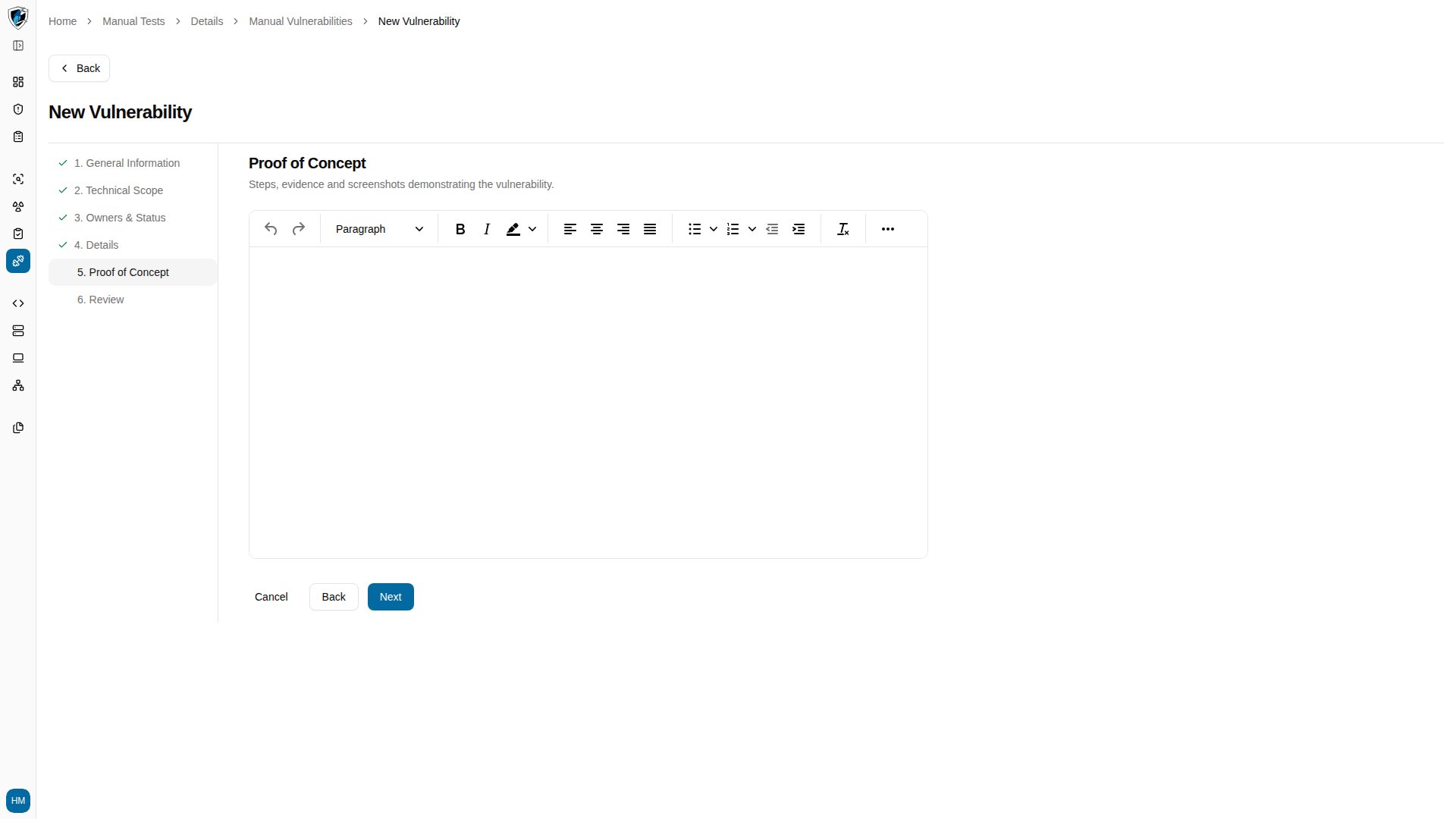
 ## Step 5: Proof of concept
Use the rich-text editor to document reproduction steps, HTTP requests and responses, and supporting evidence.
## Step 5: Proof of concept
Use the rich-text editor to document reproduction steps, HTTP requests and responses, and supporting evidence.
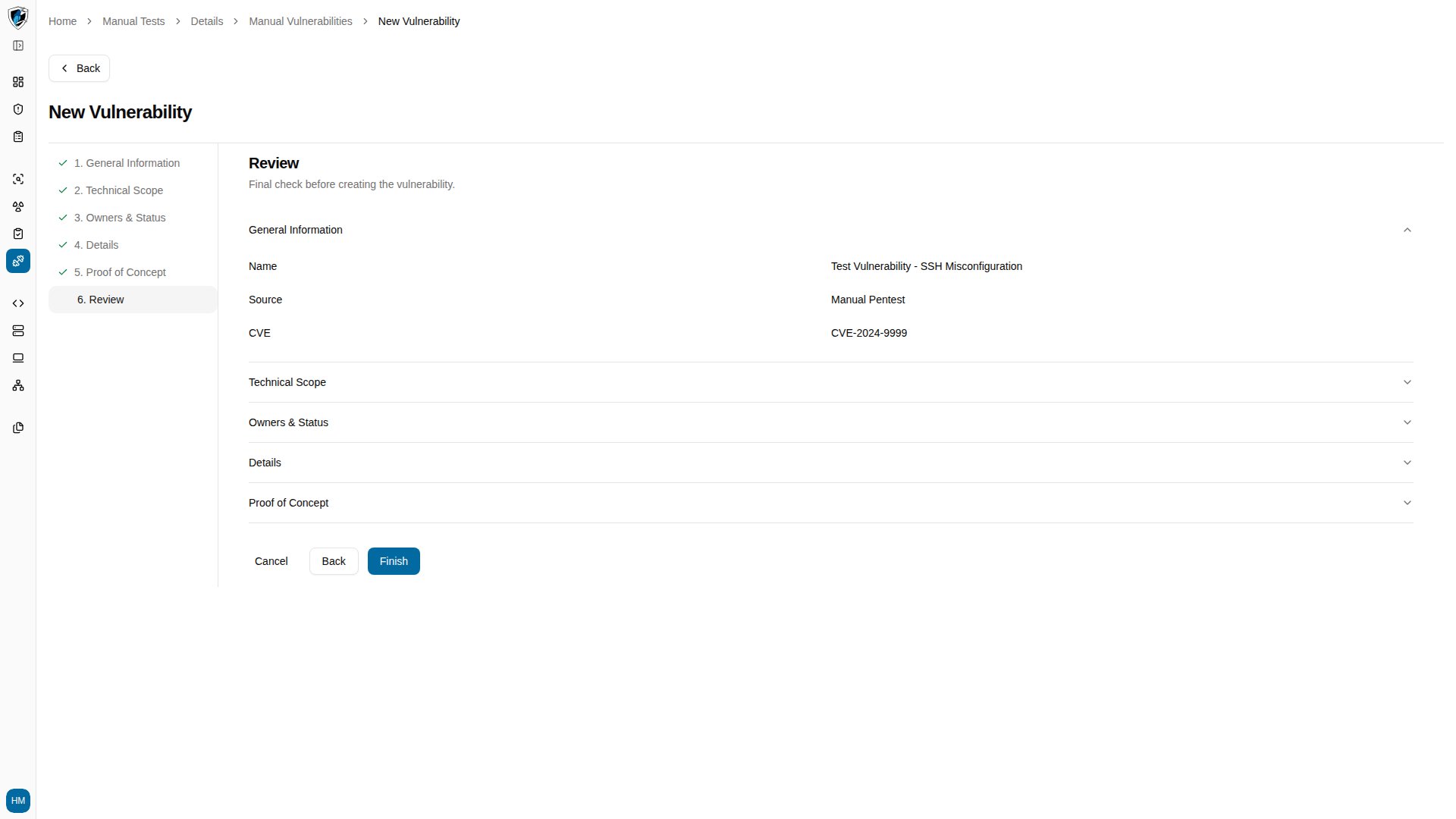
 ## Step 6: Review
Check the summary and click **Finish**. You return to the **Manual Vulnerabilities** tab of the test you started from.
## Step 6: Review
Check the summary and click **Finish**. You return to the **Manual Vulnerabilities** tab of the test you started from.